
Honda Motanion Hub
Michi-no-Eki Joso


News
-
The Iconic Super Cub C125 Arrives in the Virtual World
-
The Legendary CB750Four Returns to the Virtual World
-
Honda Motanion Hub: Michi-no-Eki Joso Now Open
What is Honda
Motanion?
— Discover a New Mobility Experience
in a Virtual Space —
Honda Motanion is an evolving ecosystem where official Honda worlds, interactive features, and a
vibrant community come together to redefine mobility.
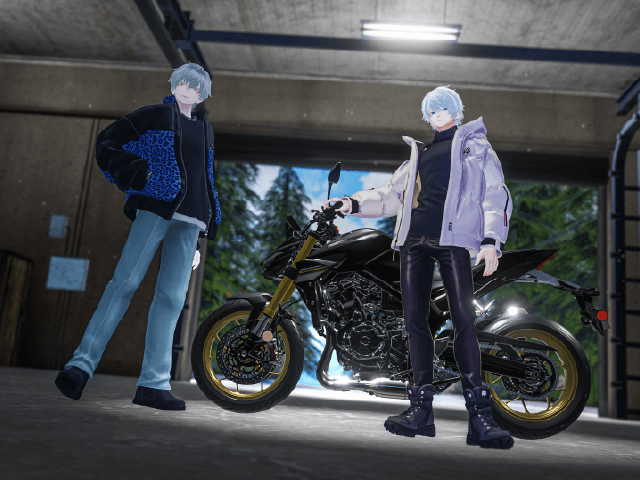
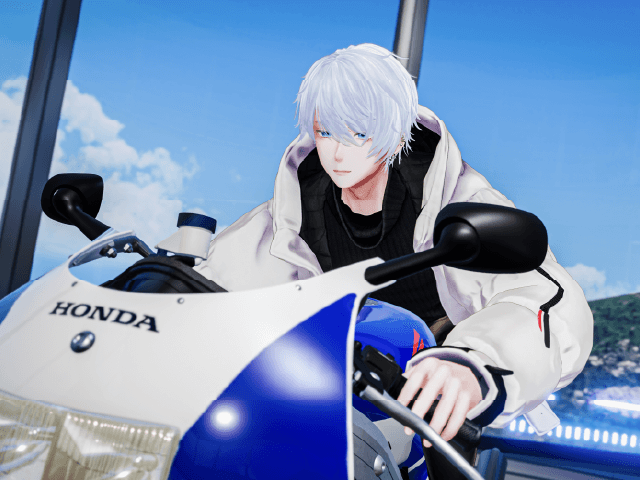
In VRChat, you can explore high-fidelity mobility experiences featuring Honda’s design
expression, with friends and enthusiasts. Discover a new way to connect with mobility.
Note: The Discord community is currently available in Japanese only.
How to Join
Detailed instructions are available in
the steps below.
Worlds
-
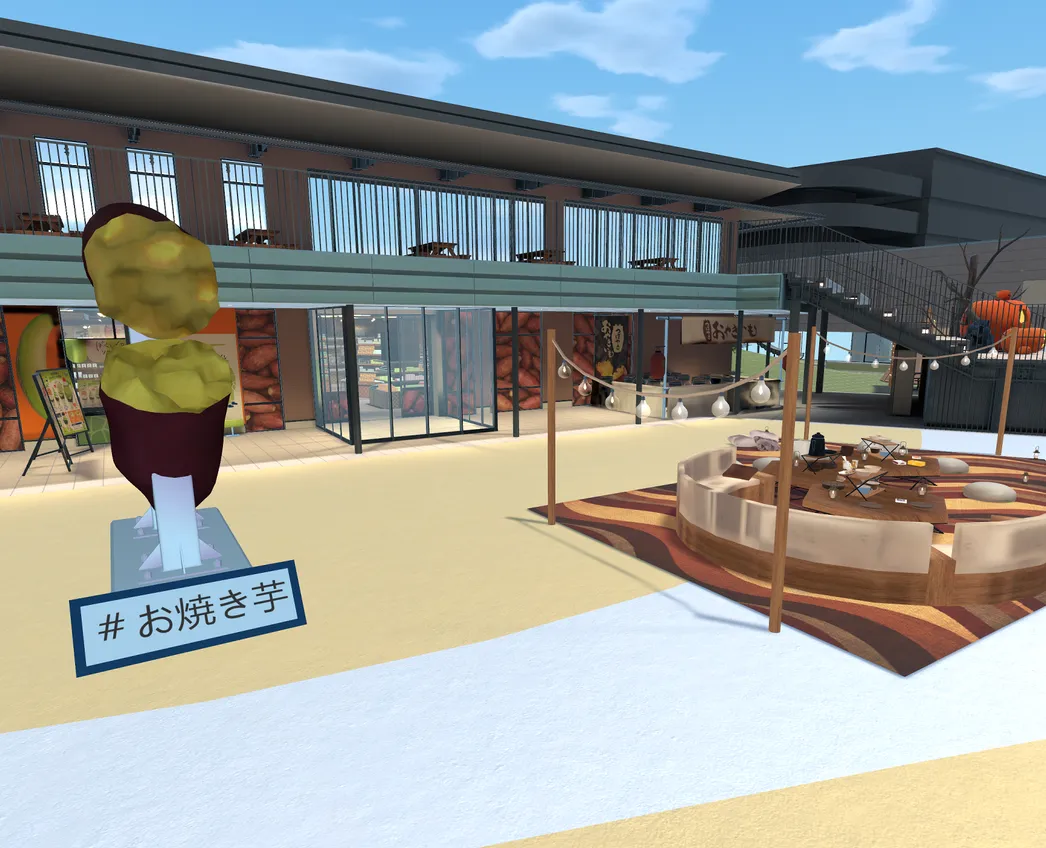
Honda Motanion Hub
Michi-no-Eki JosoA relaxing community hub in Honda Motanion where visitors can stop by and spend time together. Share meals with friends, enjoy casual conversations, and join a variety of events. With scenery that changes over time, every visit offers something new to discover.
Dive in World -
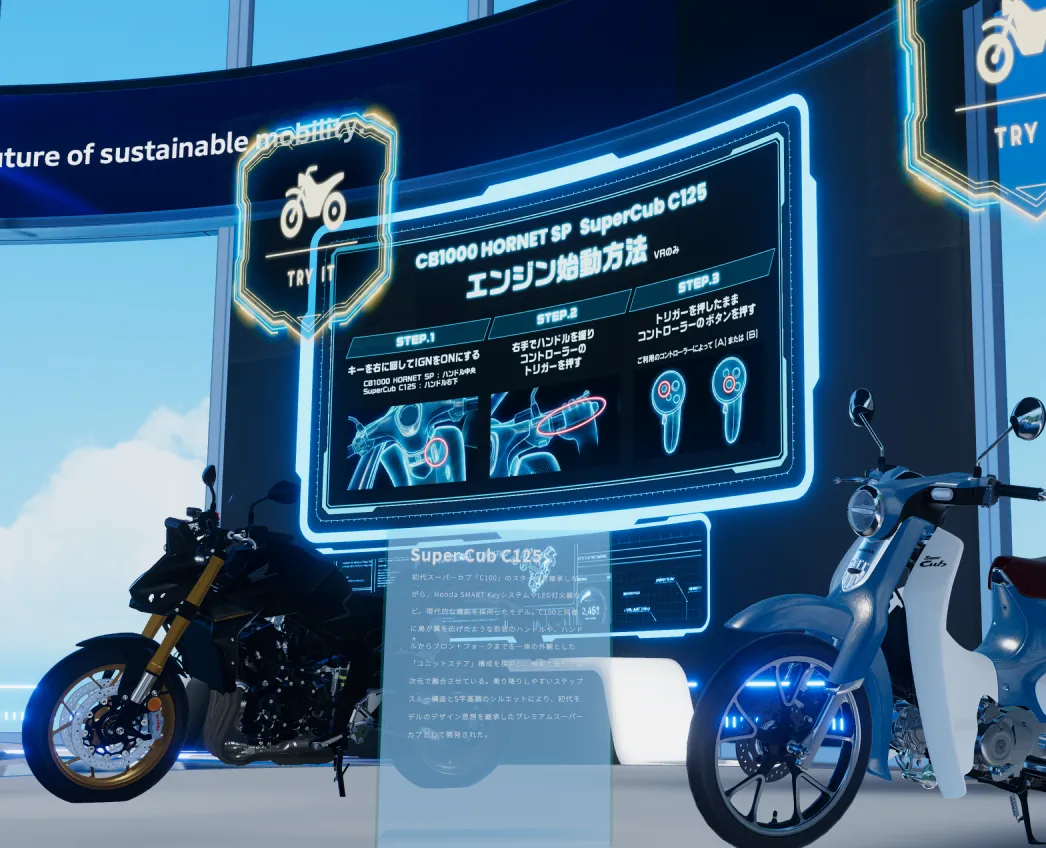
Honda Motanion Lab
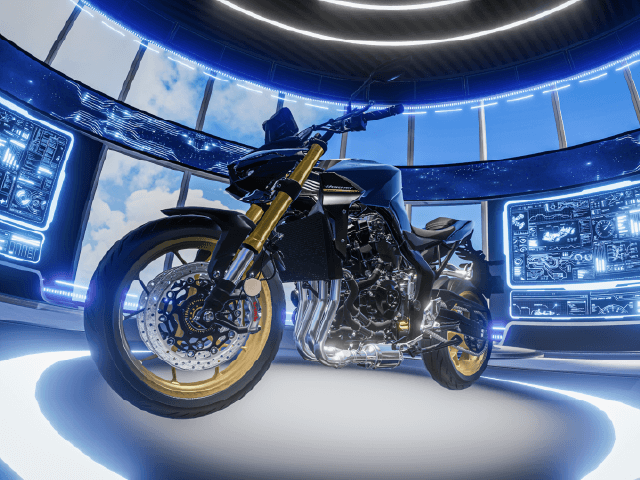
A secret research lab exploring the future of Honda. This interactive world lets you experience motorcycles that move just like their real-world counterparts, with opportunities to ride, customize, and take photos. You can also try on avatar gimmicks before they become available to everyone.
Dive in World


Create Your Own Bike
Honda Motanion welcomes customization and fan-made creations using our 3D avatar gimmicks. When you've finished building your own unique ride, share it with the community on X, Discord, or VRChat. We can't wait to see the creativity and personality you bring to your creations.
-
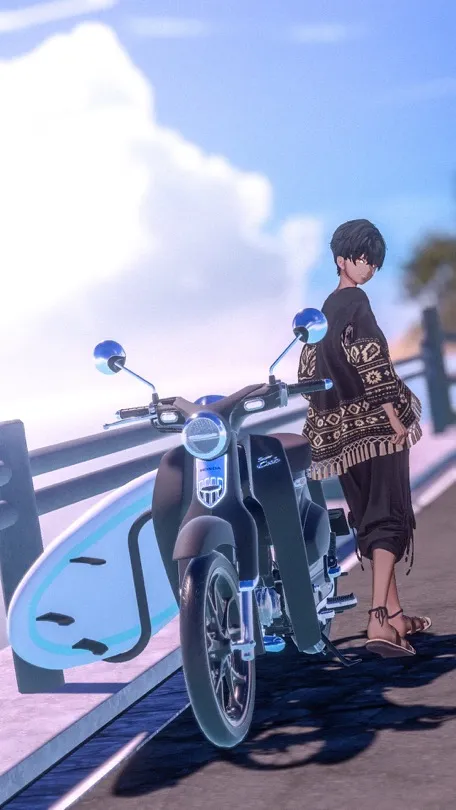 CUSTOM STYLE
-
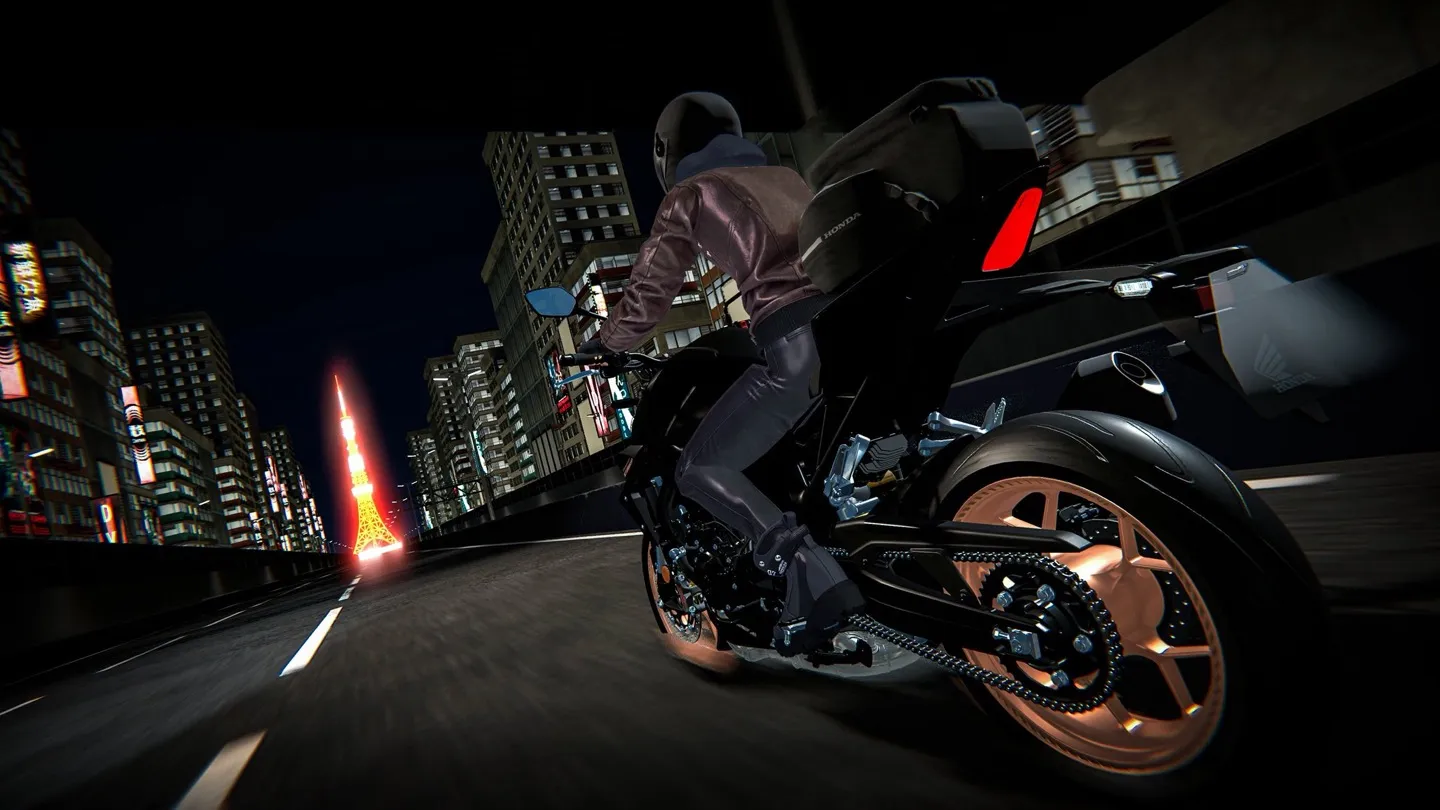 CREATE A SCENE
Get Your 3D Avatar
Accessories


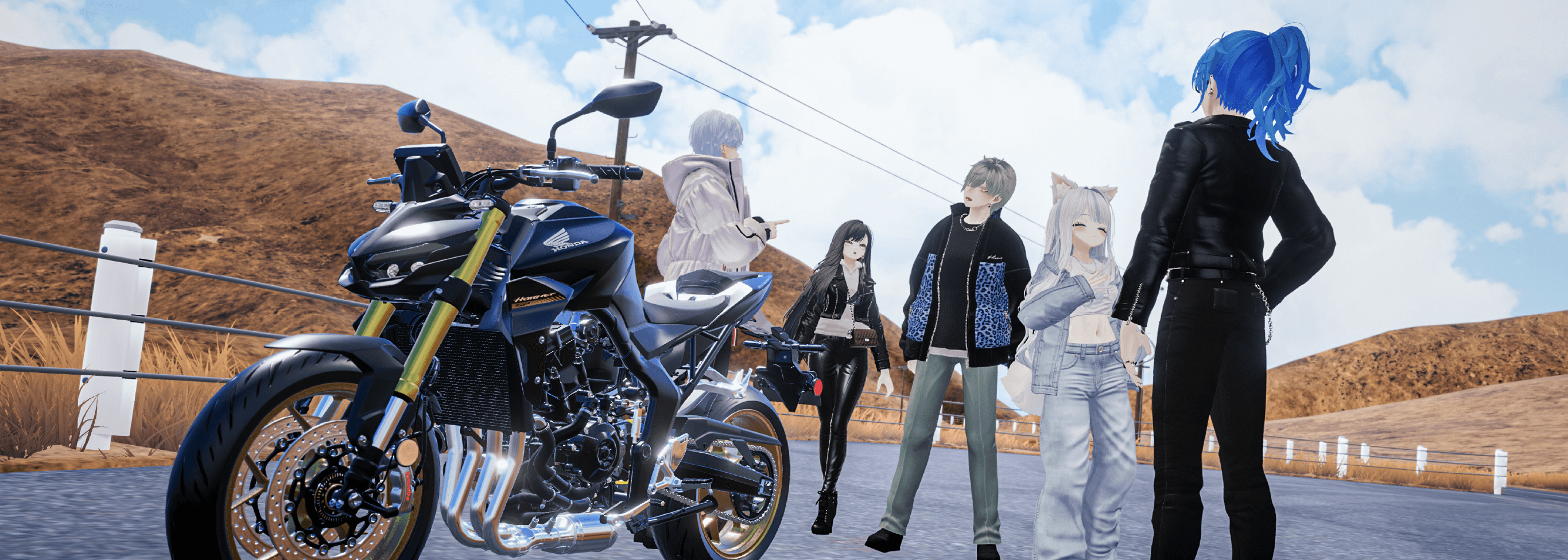
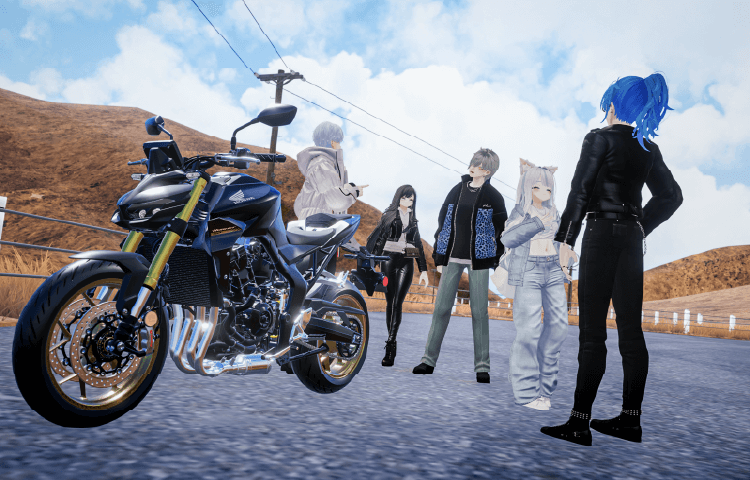
Dreaming of New
Experiences in
Virtual
Mobility
Our goal is to create a sense of joy and freedom in mobility, enabling people to go beyond the
limits of time and place—even in virtual spaces.
By putting the experiences and voices of our users at the heart of everything we do, we aim to
create mobility experiences that are uniquely possible in the virtual world.
This project is still in its early stages, and no one knows what new mobility experiences will
emerge from this journey. That’s why we started this project—to explore new possibilities
together while sharing ideas and passions.
Latest Updates
(Social media posts are in Japanese only.)


-
01Create Steam Account
-
02Install SteamVR
-
03Create VRChat Account
-
04Install VRChat
-
05Connect Meta Quest and PC
-
01Create Steam Account
-
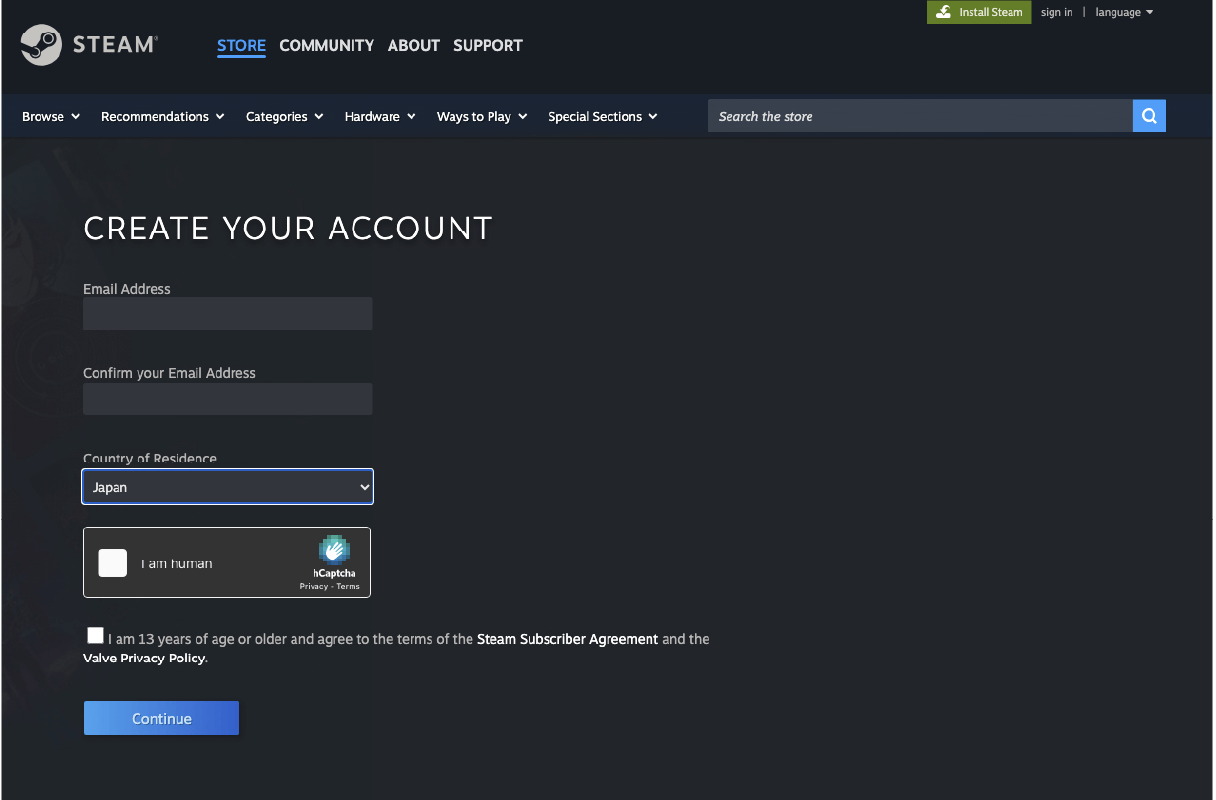
- ・Follow the link below to the Steam account creation page.
https://store.steampowered.com/join/ - ・Fill in the required fields and click "Continue."
- ・Follow the link below to the Steam account creation page.
-
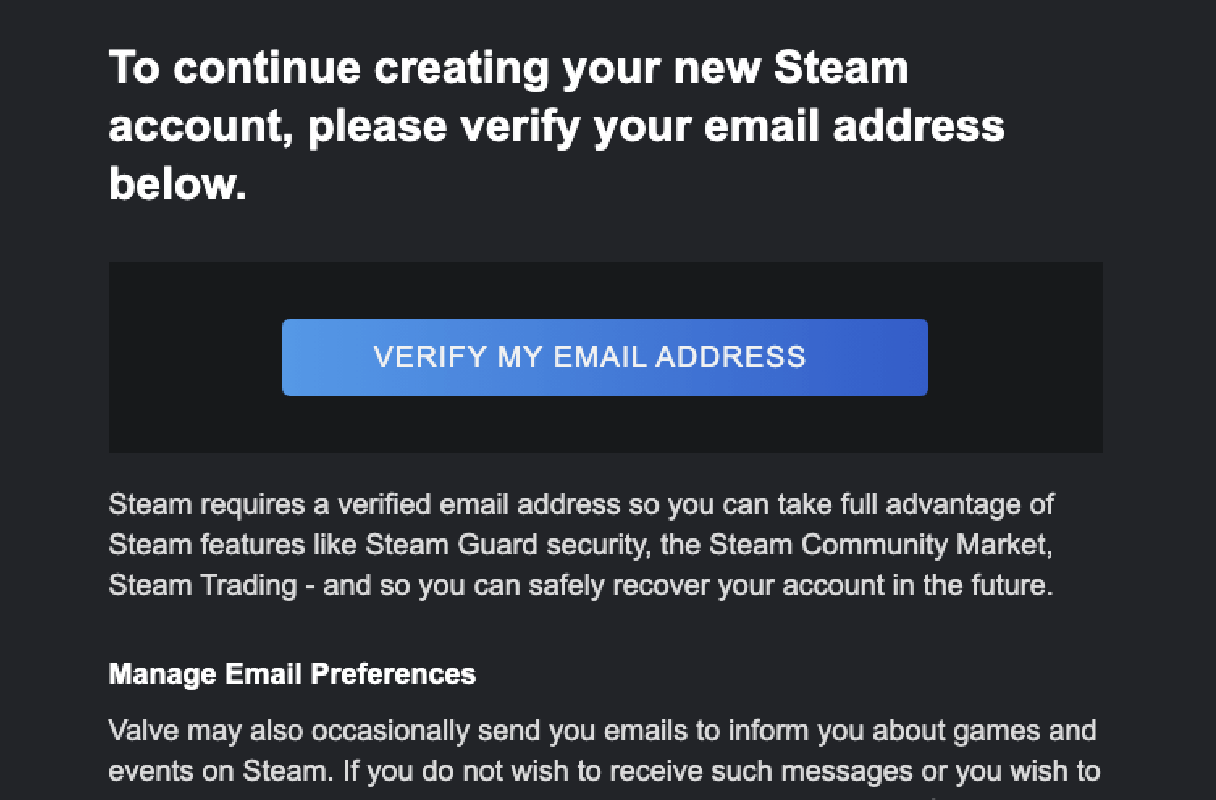
Open email from Steam and Click "VERIFY MY EMAIL ADDRESS."
-
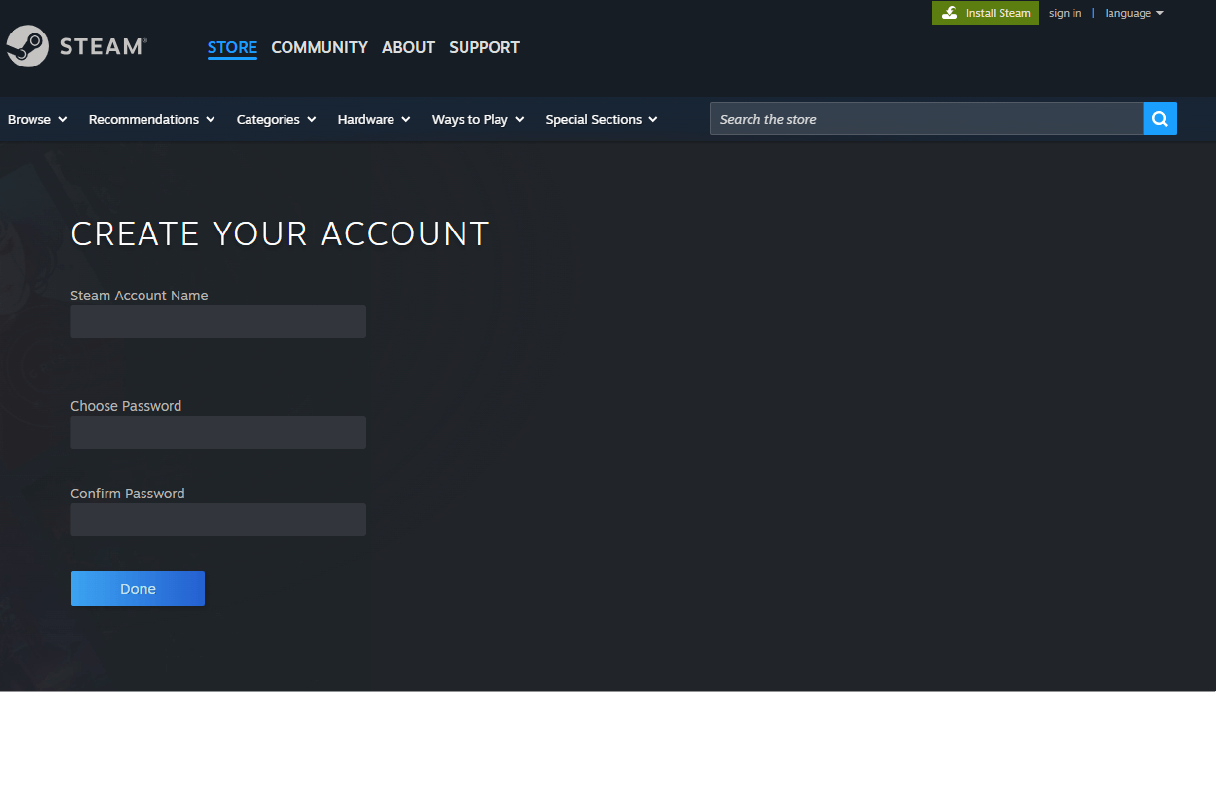
Return to the previous Steam page, fill in the required information for account creation, and click "Done."
-
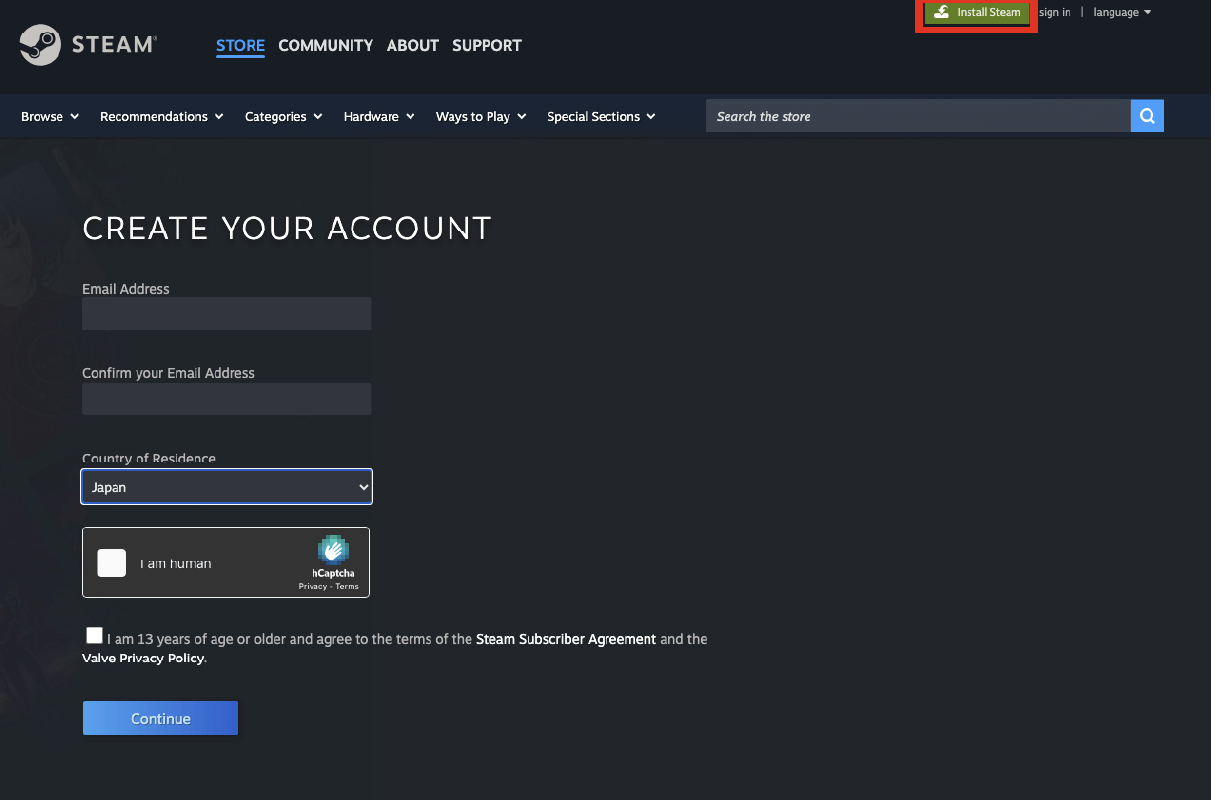
Click "Install Steam" on the top page.
Download and run "SteamSetup.exe." -
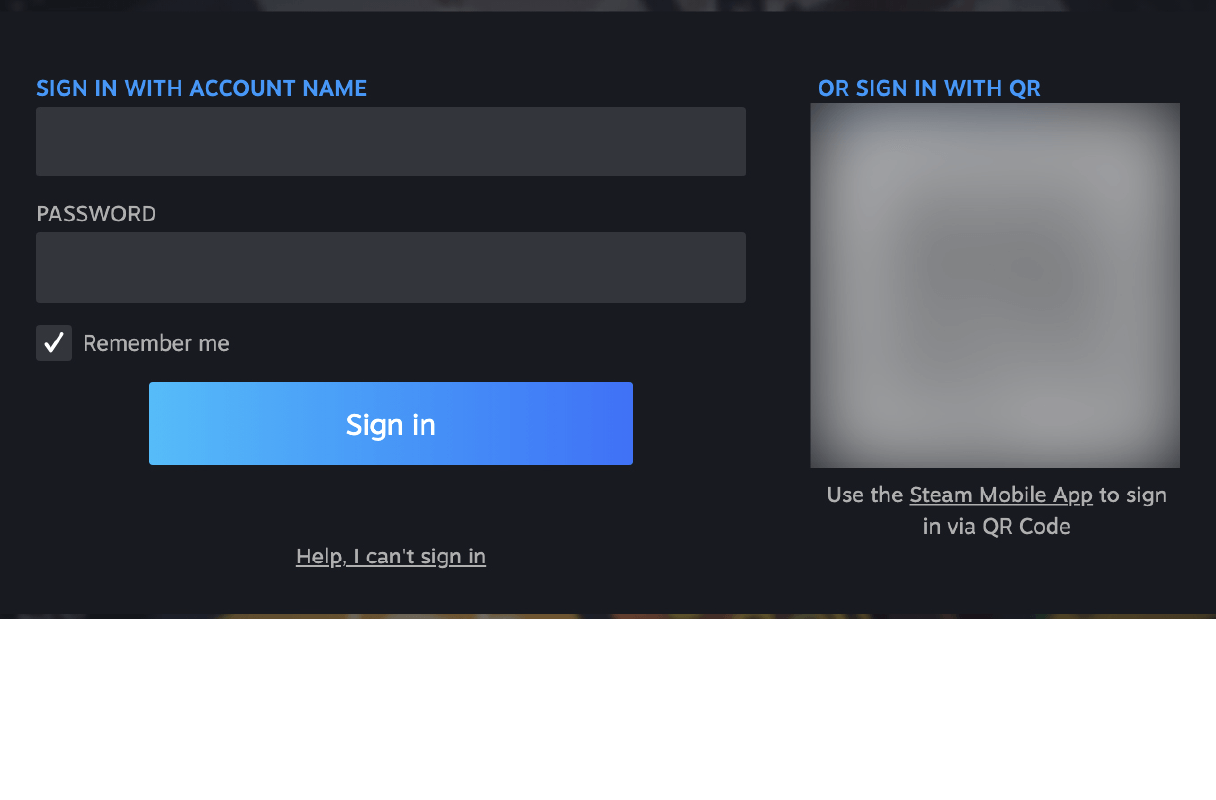
Log in with your Steam account and password.
-
-
02Install SteamVR
-
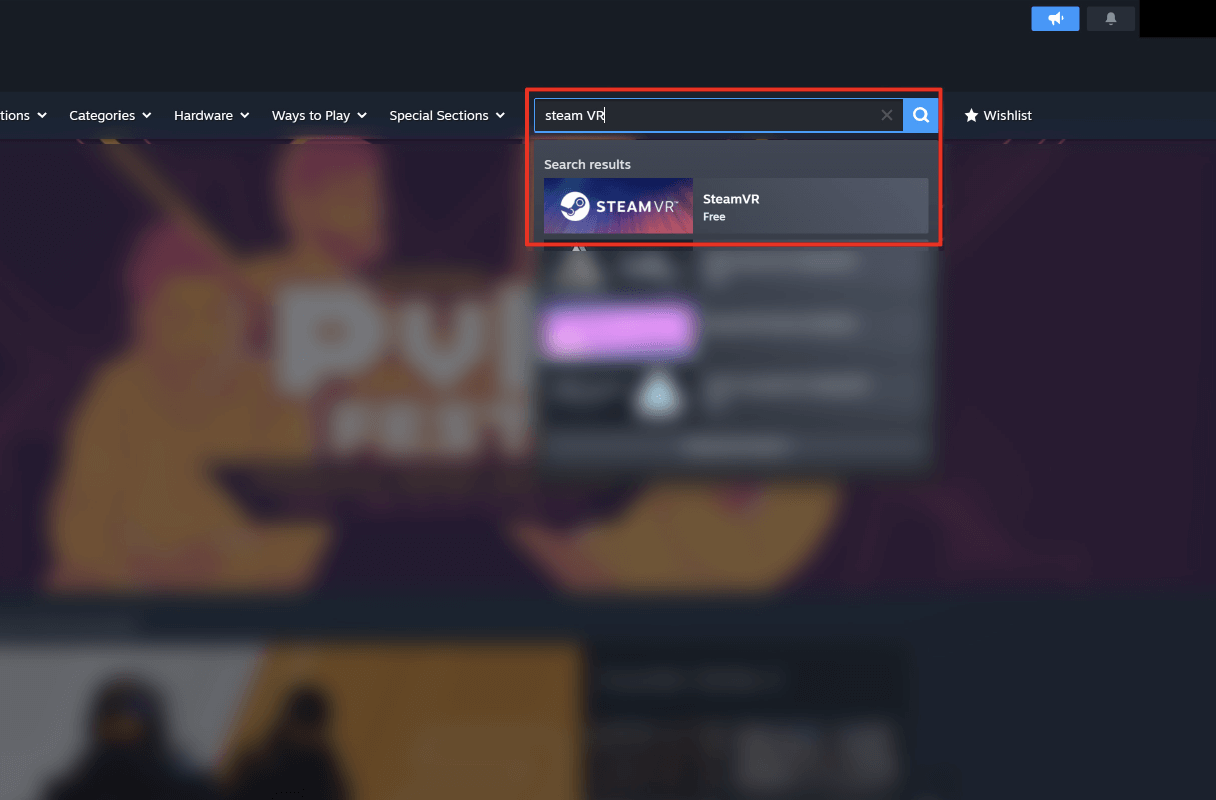
Search and Select Steam VR in your Store tab.
-
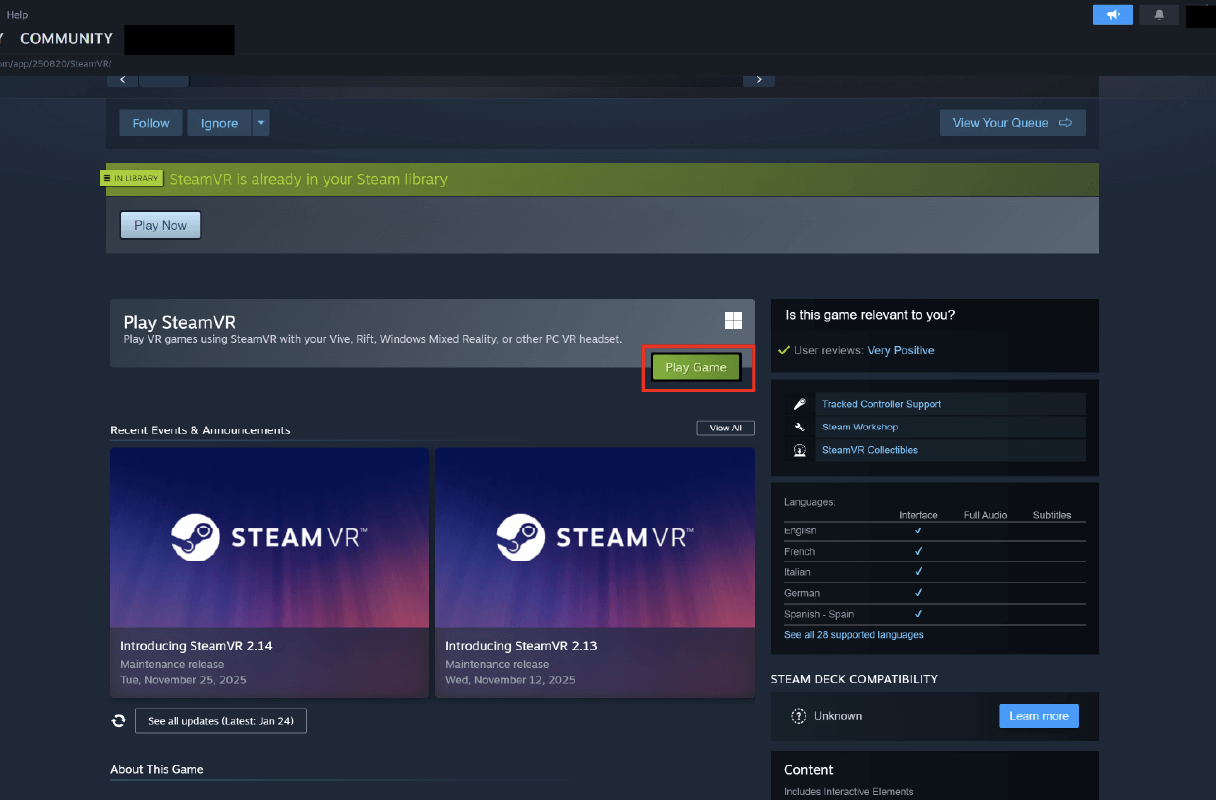
- ・Click “Play Game”
- ・Install Steam VR
- ・Click “Play Game”
-
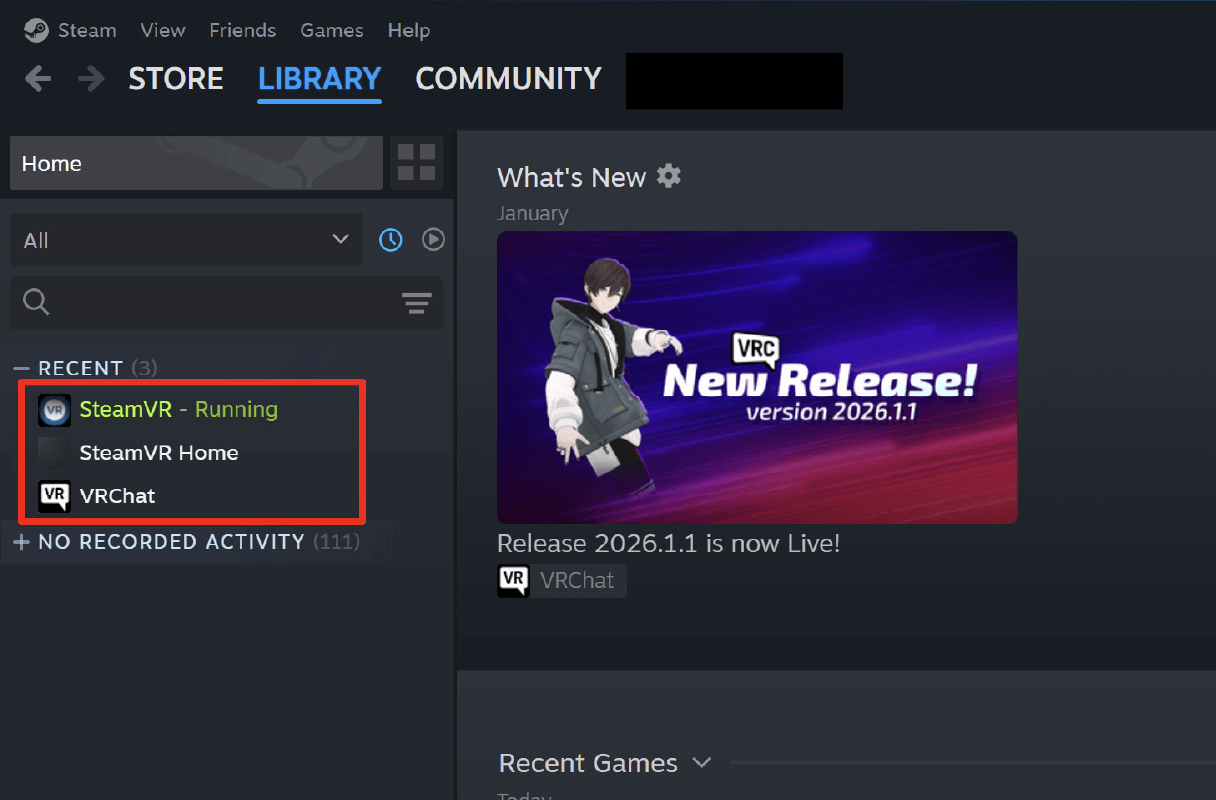
Installation is completed once Steam VR is added to your "Library."
-
-
03Create VRChat Account
-
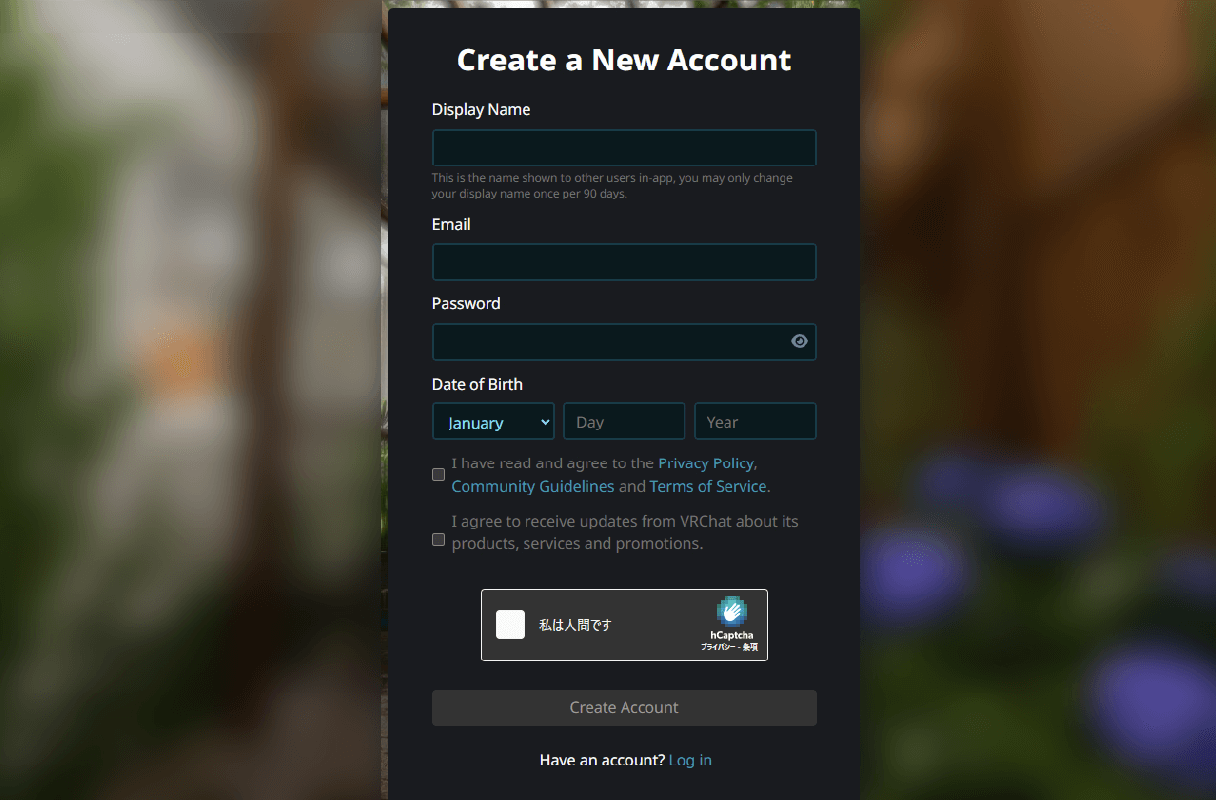
- ・Follow the link below to the VRChat account creation page.
https://vrchat.com/home/register - ・Fill in the required fields and click "Create Account."
- ・Follow the link below to the VRChat account creation page.
-
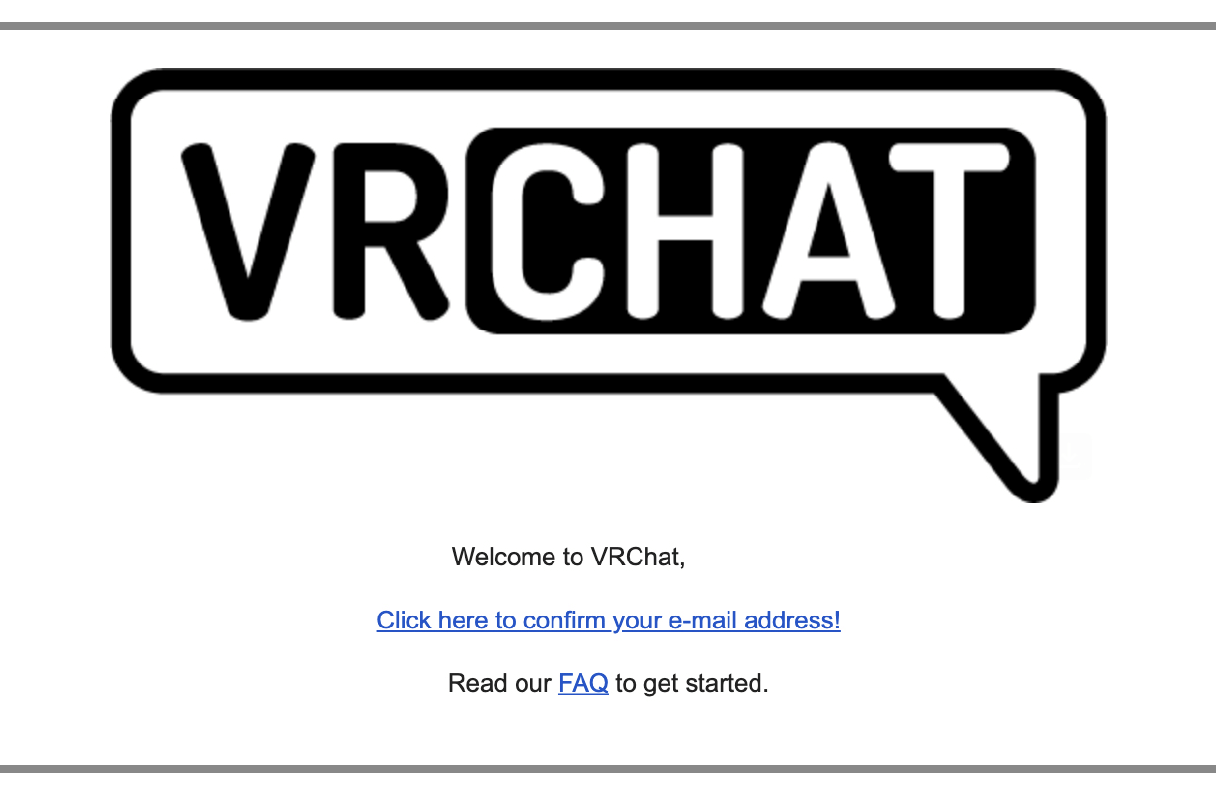
Open the email from VRChat and Click "Click here to confirm your e-mail address!"
-
-
04Install VRChat
-
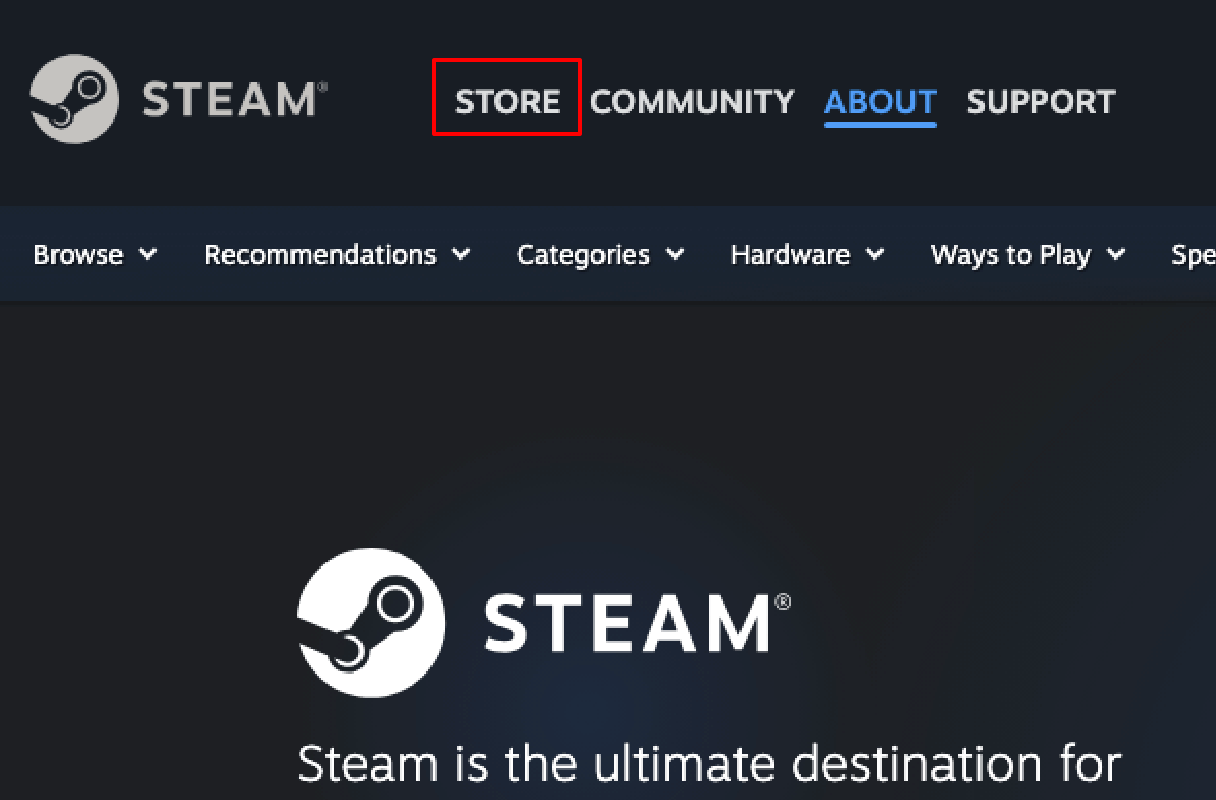
Click "Store"
-
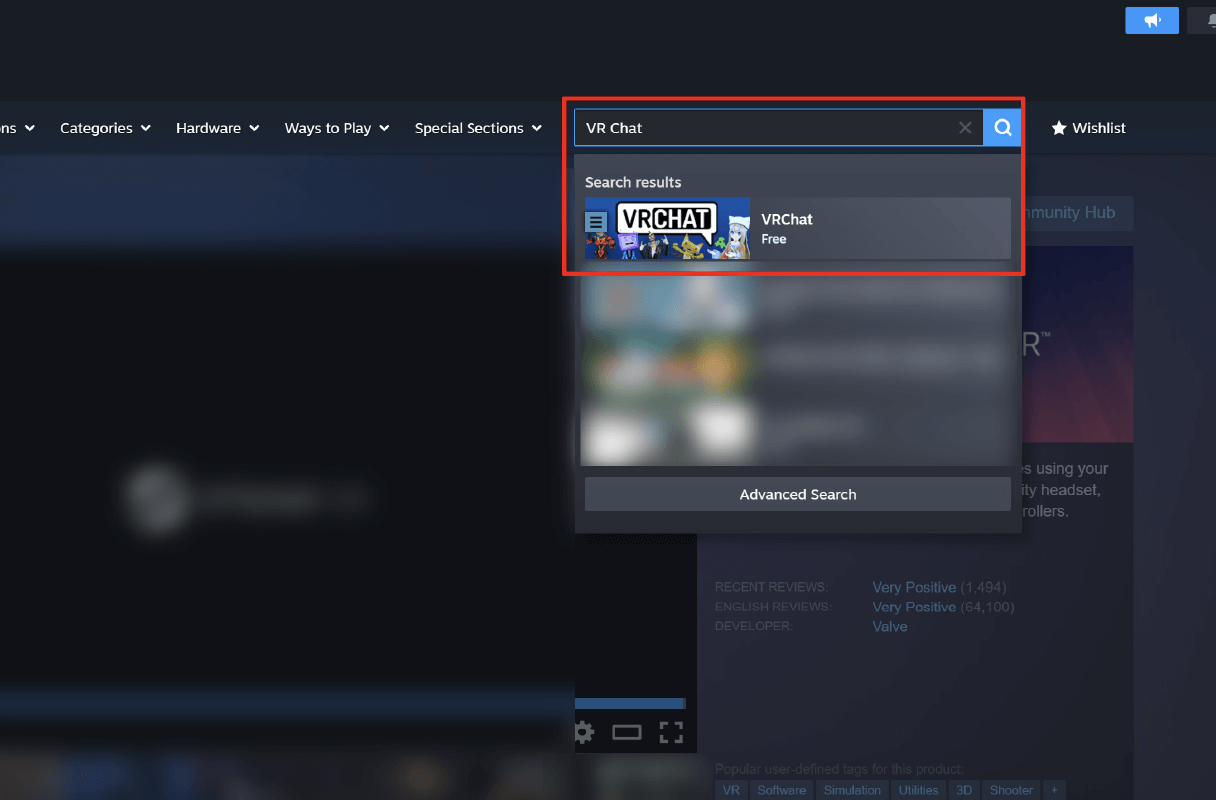
Search and select "VRChat"
-
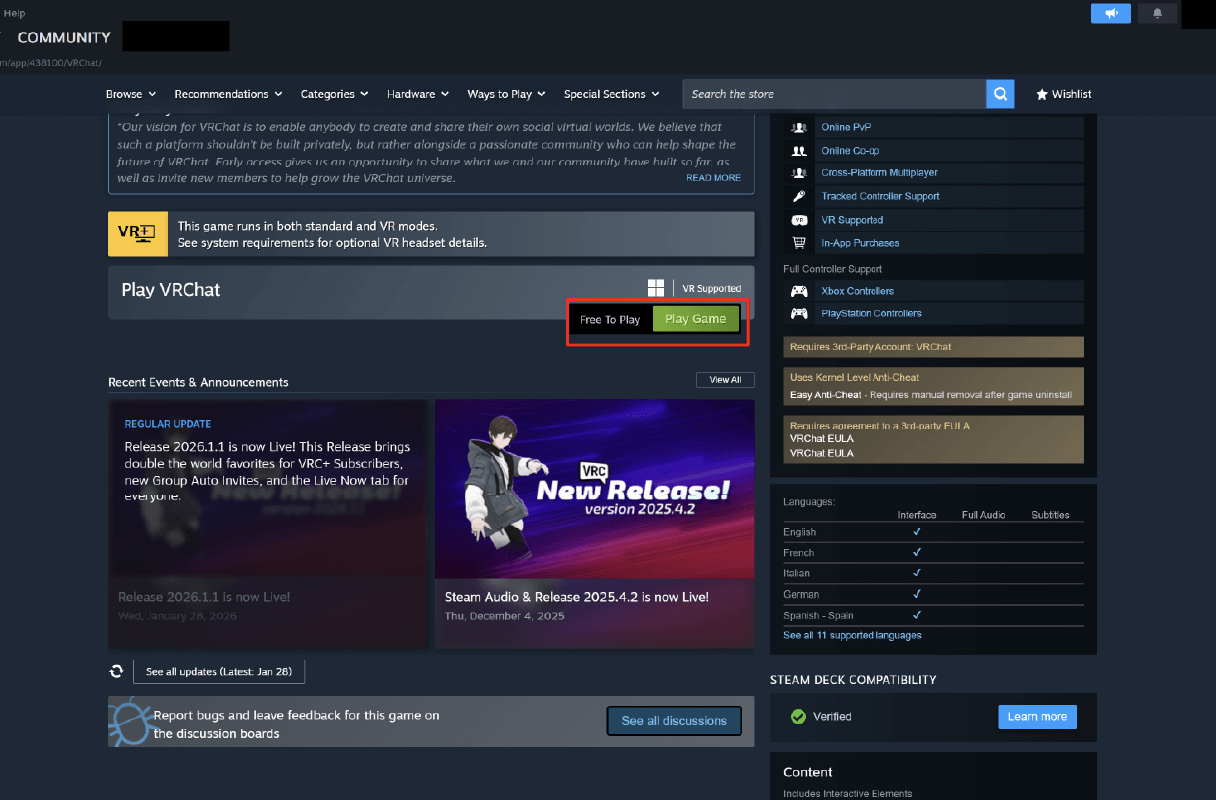
- ・Click “Play Game”
- ・Install VRChat
-
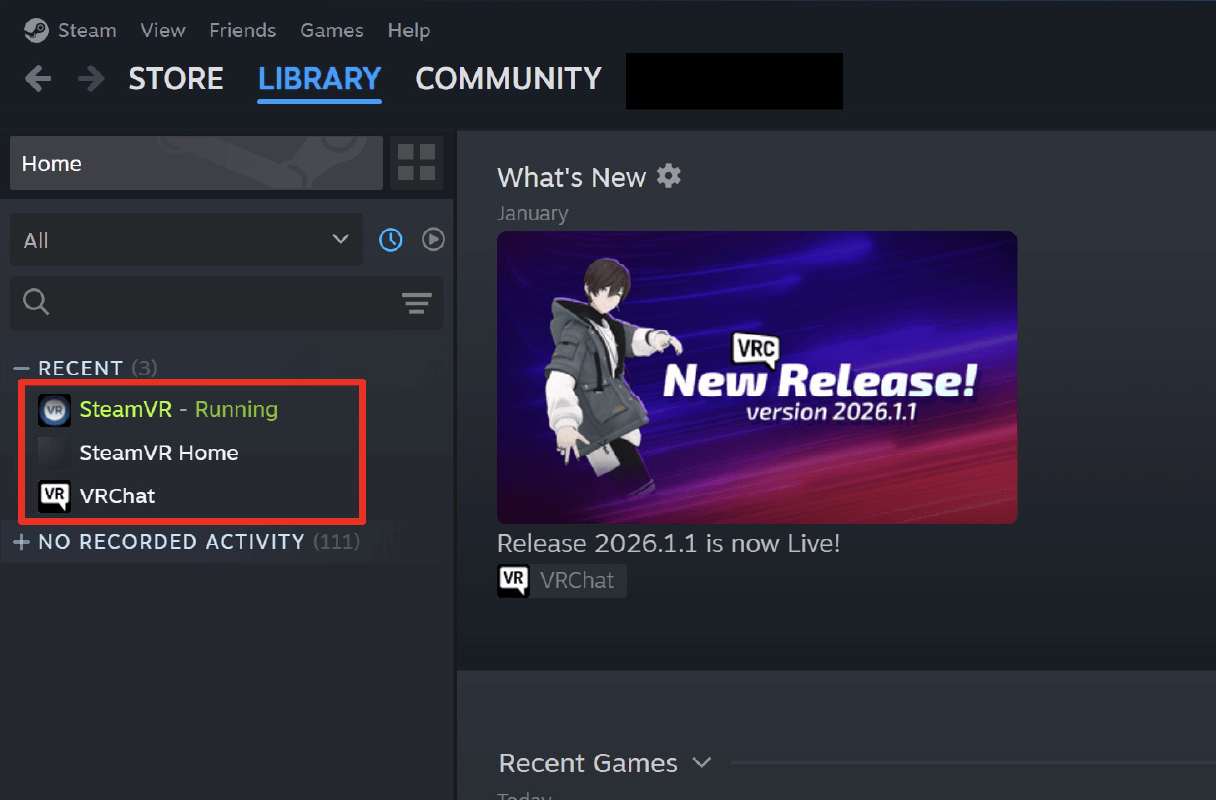
Installation is completed once VRChat is added to your "Library."
-
-
05Connect Meta Quest and PC
-
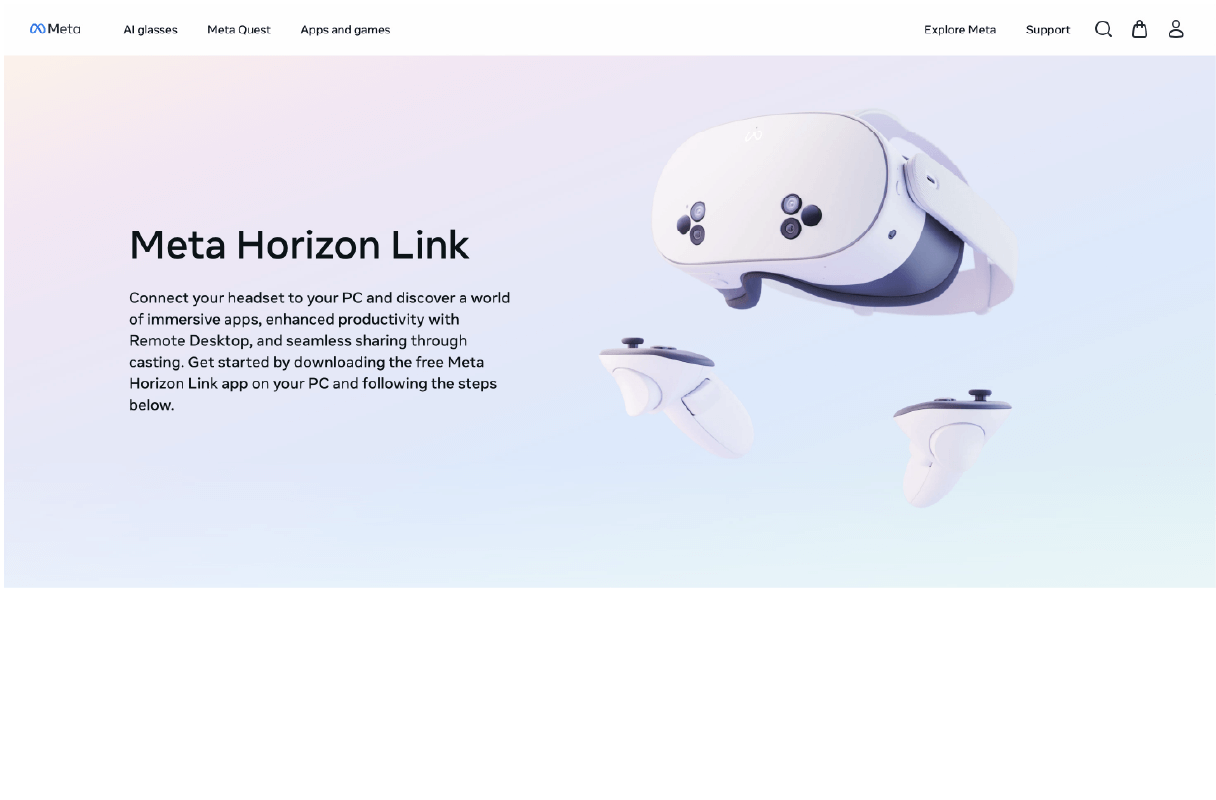
- ・Download Meta Horizon Link
- ・Connect PC and Meta Quest with a USB-C cable
- ・Download Meta Horizon Link
-
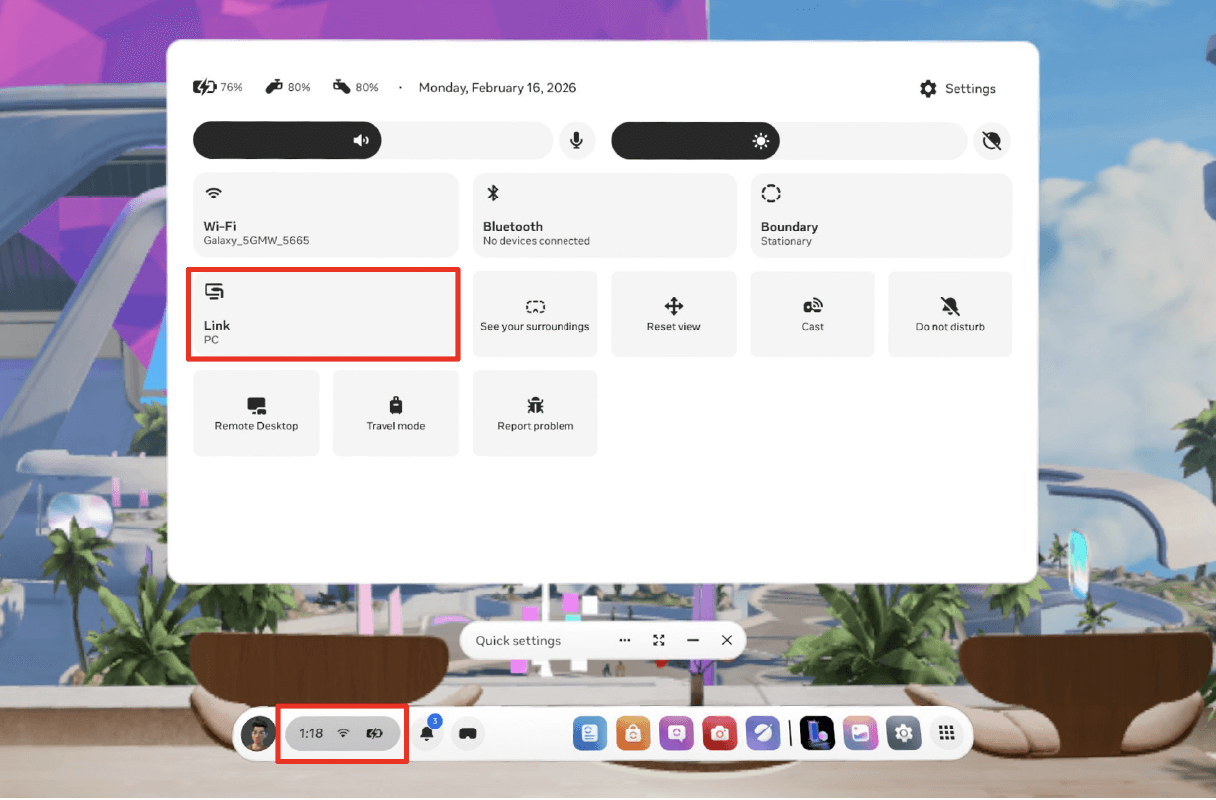
- ・Open Quick Setting
- ・Click “Link PC”
- ・Open Quick Setting
-
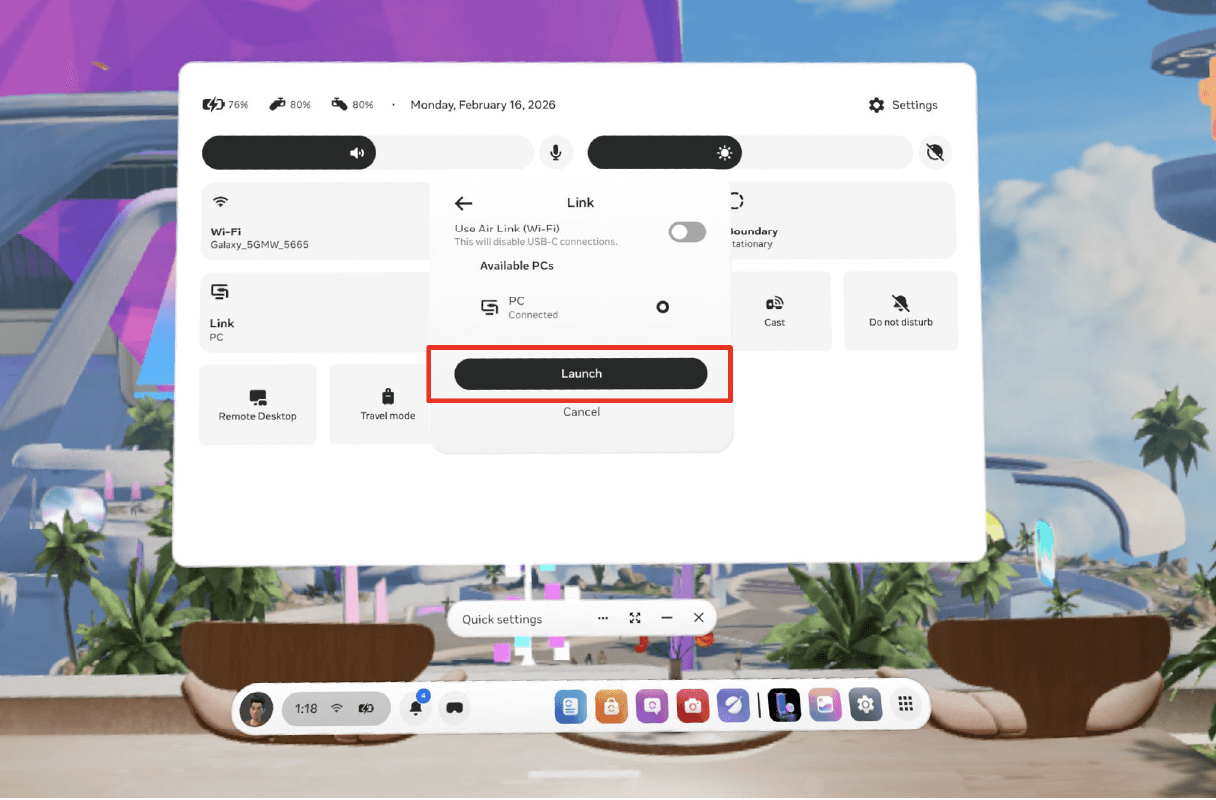
Click “Launch”
-
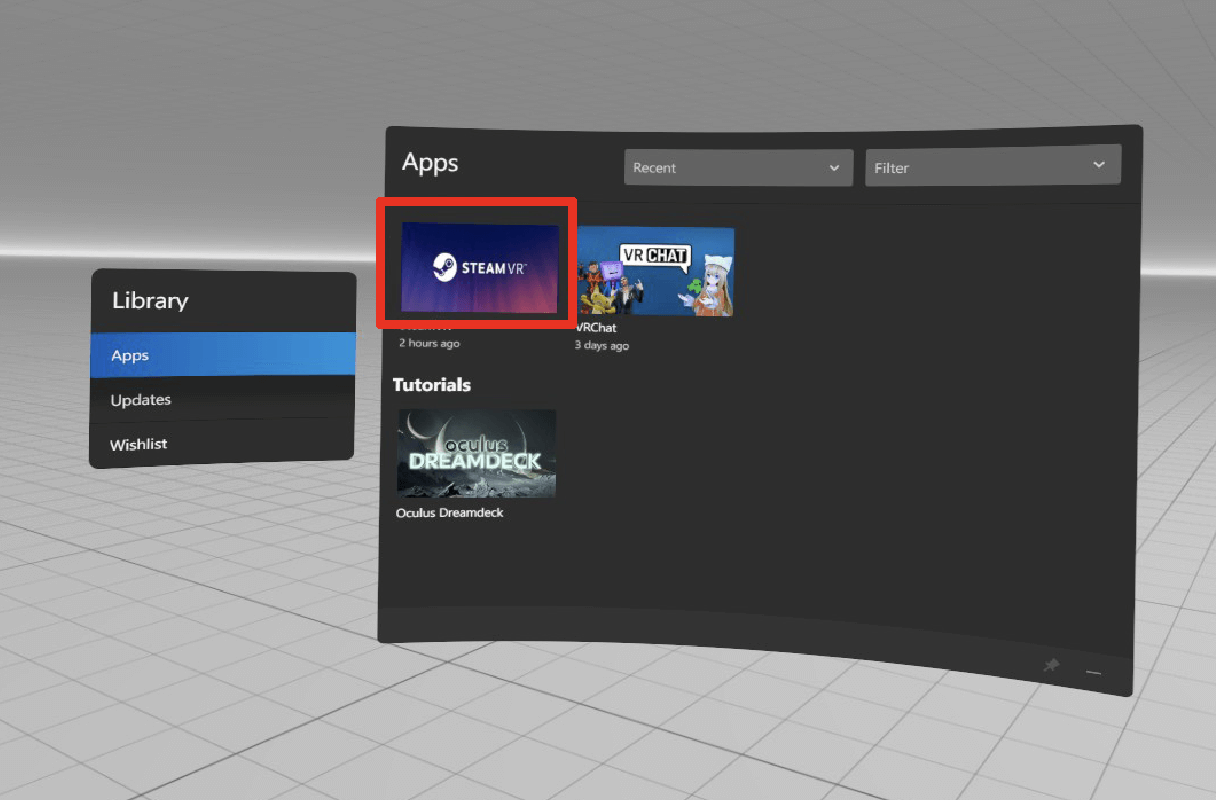
Open Steam VR from Apps.
-
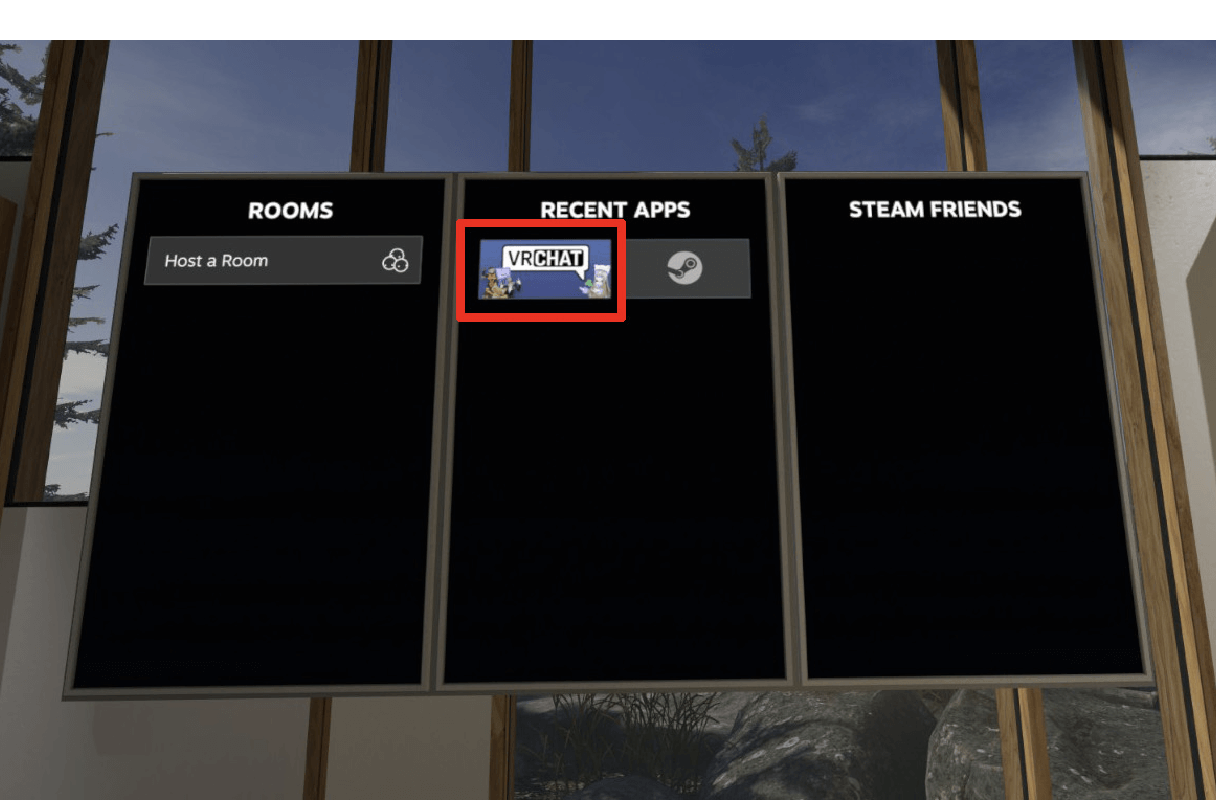
Go to the SteamVR Home and select VRChat.
-
-
Meta Quest and the Meta Quest logo are trademarks of Meta Platforms, Inc. The screenshots and images on this page are used for illustrative purposes; all intellectual property rights, including copyrights, belong to Meta Platforms, Inc.
-
Search for "Honda Motanion"
-
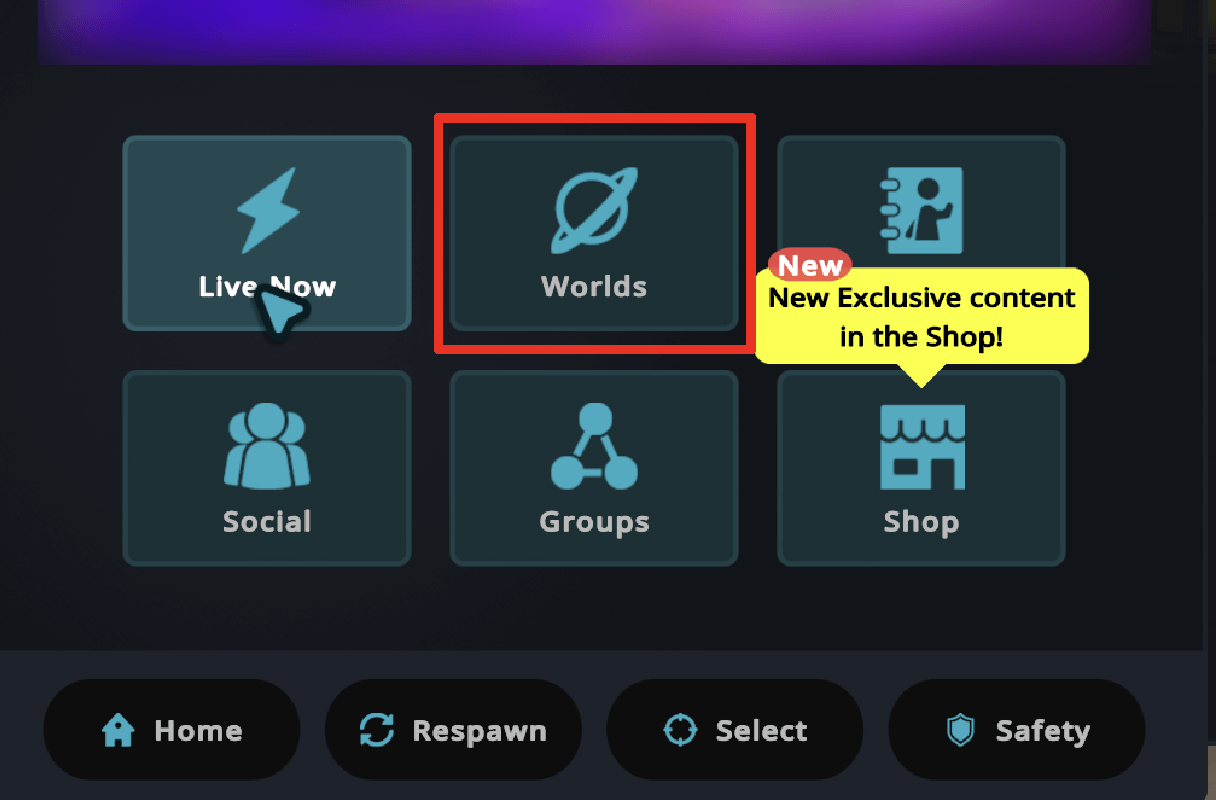
- ・Press the "B" or "Y" button on your controller to open the LaunchPad.
- ・Select "Worlds"
- ・Press the "B" or "Y" button on your controller to open the LaunchPad.
-
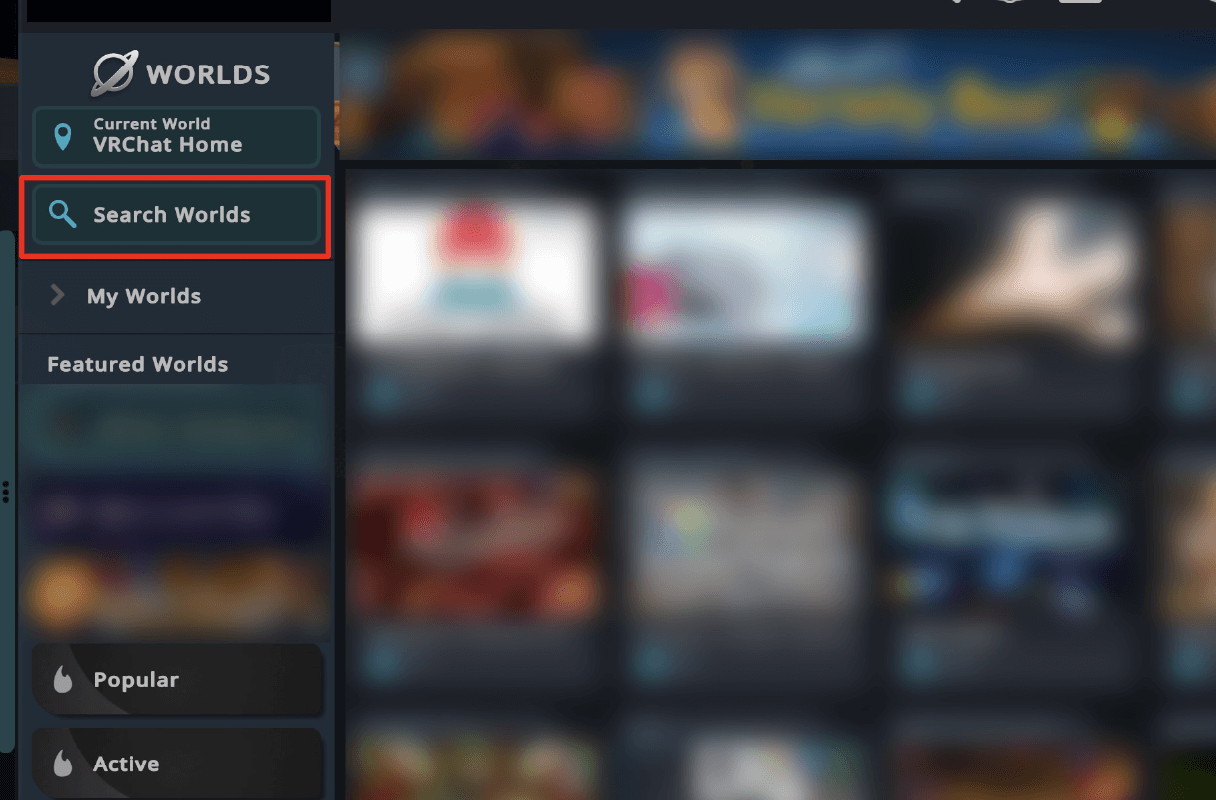
Select Search World
-
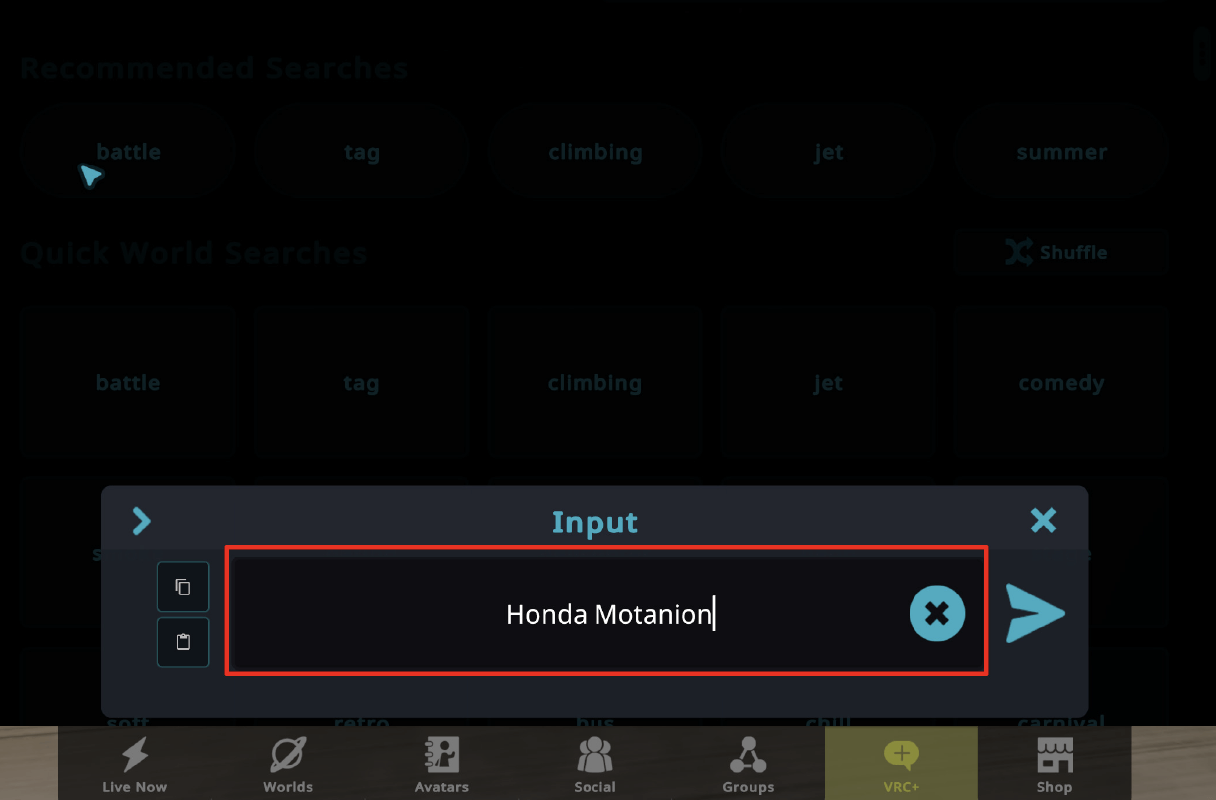
Search for "Honda Motanion"
-

Select Honda Motanion
-

Dive in Honda Motanion World
Direct link to the world:
[Honda Motanion Hub Michi-no-Eki Joso]
[Honda Motanion Lab] -
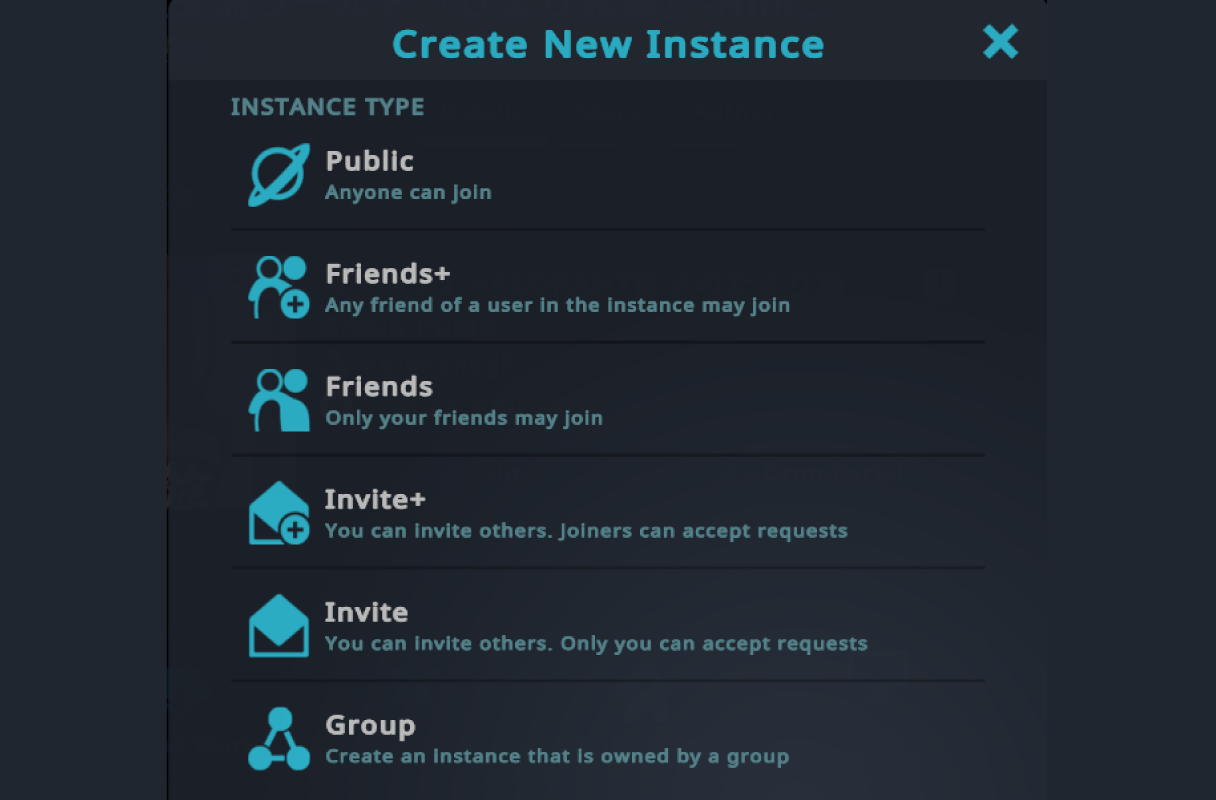
Instance Type Descriptions
- Public: Open to everyone. Anyone can join freely.
- Friends+: Anyone who is friends with anyone currently in the instance can join.
- Friends: Only friends of the instance creator can join.
- Invite+: You can join if you are invited by anyone currently in the instance.
- Invite: You can only join if you receive a direct invitation from the instance creator.
- Group: Creates an instance specifically for a Group you belong to.
※If you want to play alone or only with your friends, please create your own private instance (such as "Friends" or "Invite").
-