Technology overview
Automatically assisting acceleration and deceleration up to a preset speed
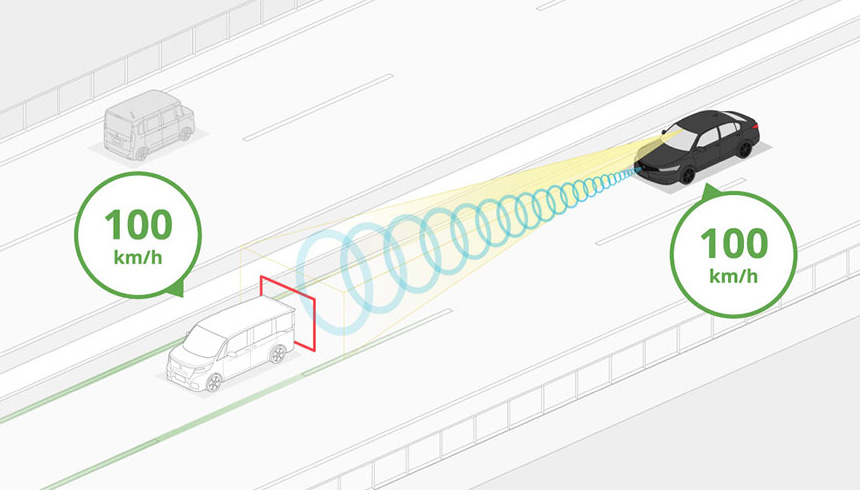
Assisting with maintaining a following distance behind a vehicle in front
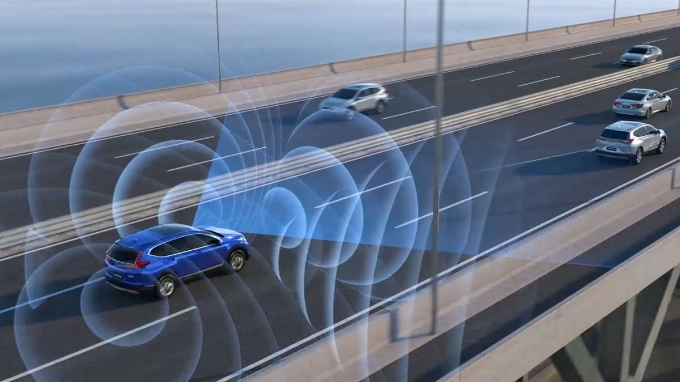
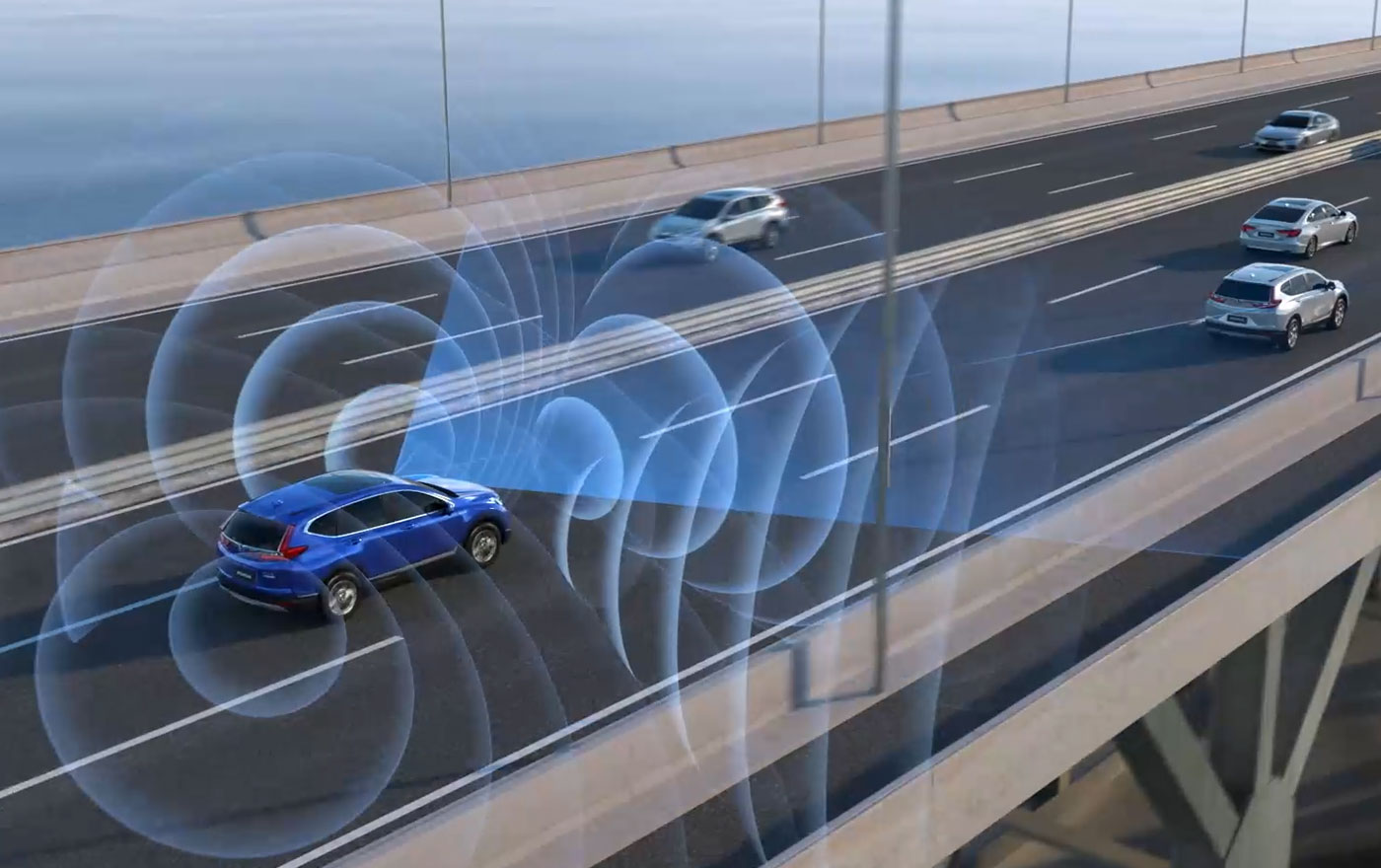
Adaptive Cruise Control (ACC) automatically assists acceleration and deceleration of a vehicle up to a predefined vehicle speed when traveling long distances, for example on an expressway. The function reduces the burden on the driver by helping to maintain a following distance when following a vehicle in front.
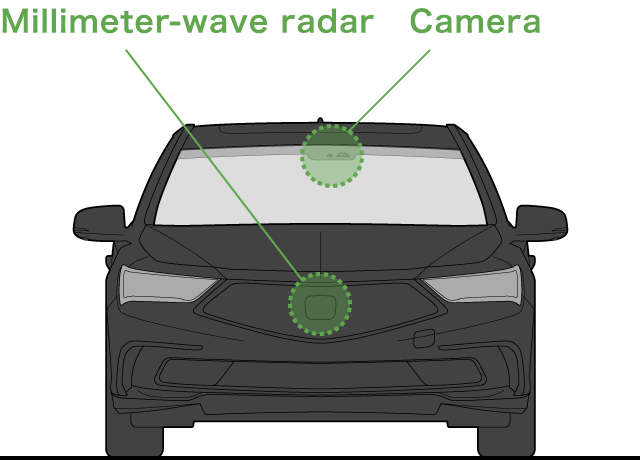
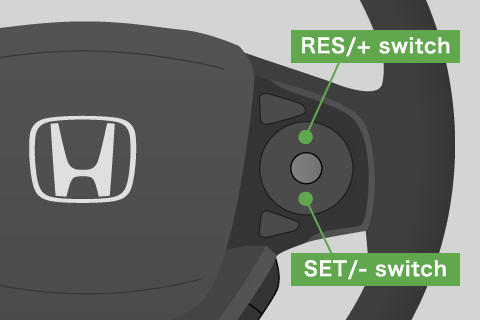
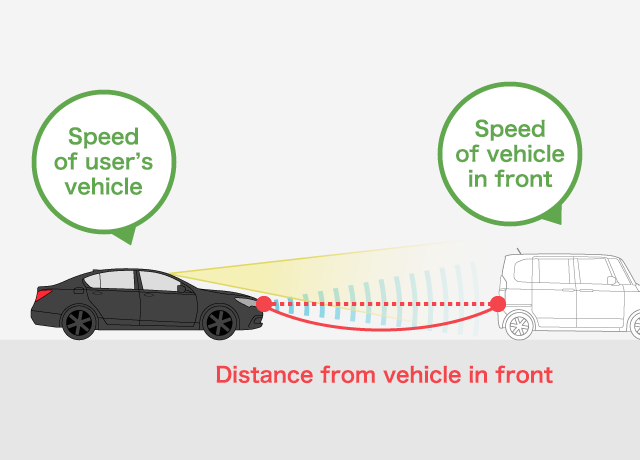
By operating switches on the steering wheel, the driver can change the preset vehicle speed and switch between four following distance settings. A camera and a millimeter-wave radar ascertain whether there is a vehicle in front and measure the following distance and the speed difference between the vehicles.
ACC with Low Speed Follow automatically assists with stopping the user’s vehicle if the vehicle in front stops. When the vehicle in front starts moving again, follow assistance resumes when the driver operates a switch on the steering wheel or applies the accelerator. This is a useful function when caught in traffic congestion on an expressway and there is a lot of stopping and starting.
*ACC can be engaged from around 30 km/h (0 km/h with Low Speed Follow). Use when driving on roads with few sharp curves and requiring little acceleration/deceleration, such as an expressway or motorway.
How it works
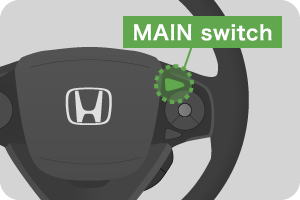
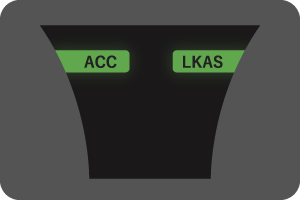
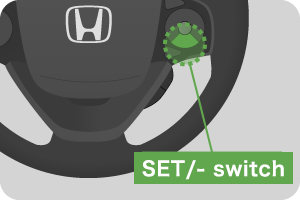
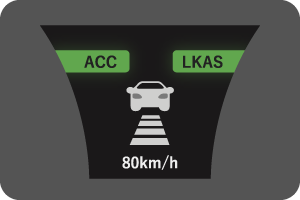
ACC is activated by pressing the MAIN switch on the steering wheel, followed by the SET/- switch.
*The actual location of the switch and display on the instrument panel in customers’ vehicles may differ. Refer to the owner’s manual of a vehicle for the actual controls and instrument panel display.
-
MAIN switch
Instrument panel display
SET/- switch
Instrument panel display
- Normal driving situation
- When the vehicle in front leaves the lane
- When a vehicle cuts in front
- When using ACC with Low Speed Follow
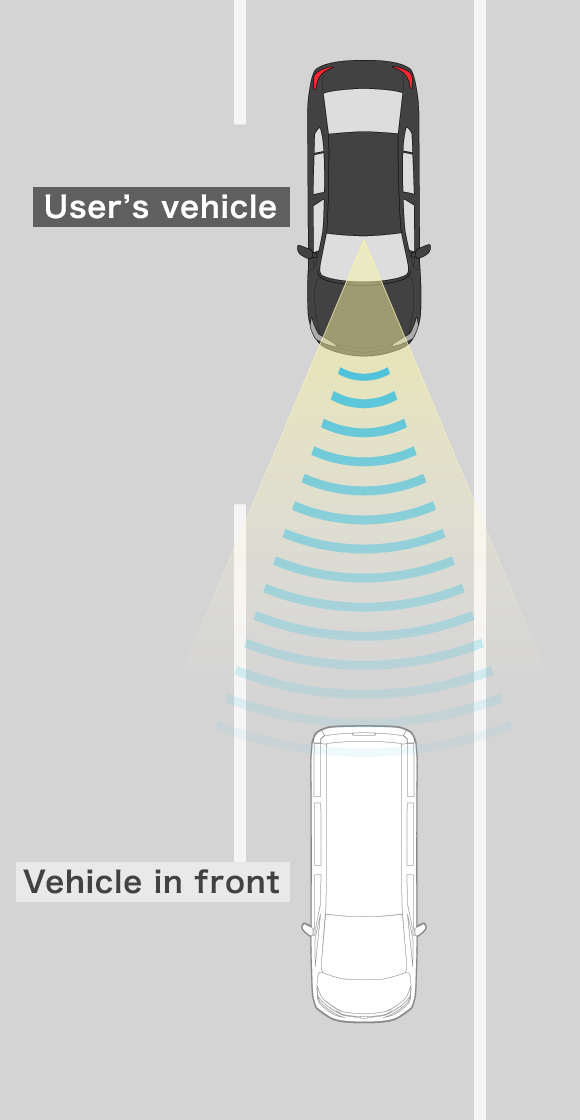
STEP1
When the vehicle in front enters the measurement range of the camera and millimeter-wave radar, the system measures the following distance and speed difference between the vehicles.
Detection of vehicle in front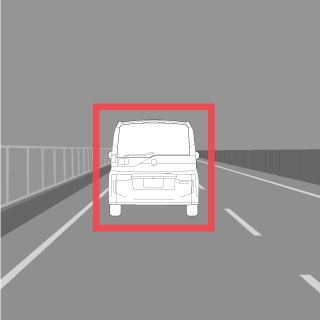
Instrument panel display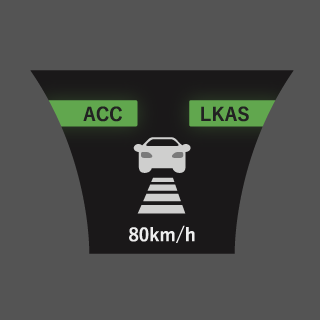
STEP2
The system assists with maintaining a following distance behind the vehicle in front.
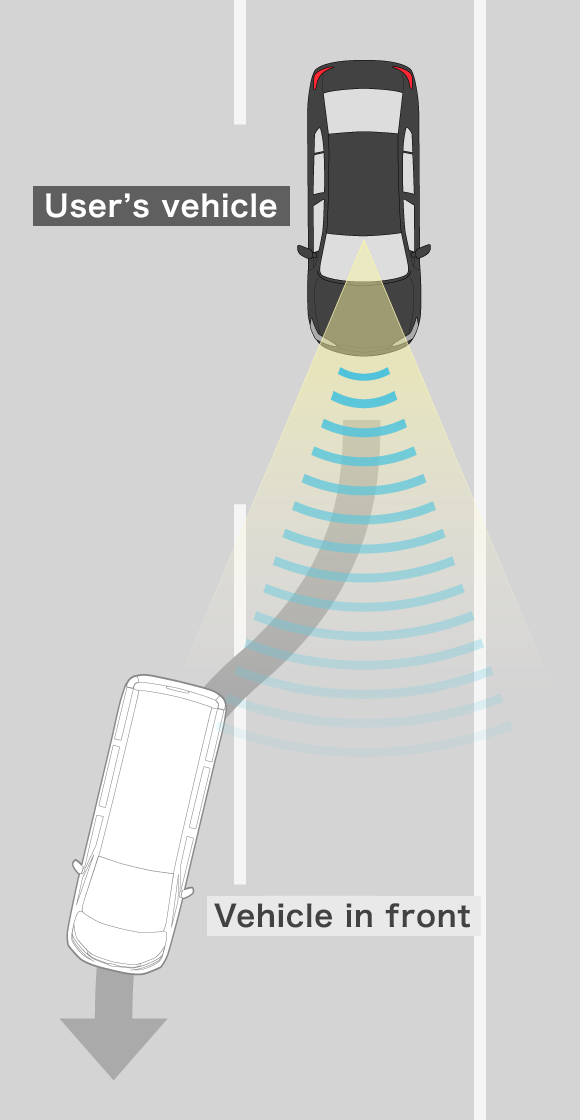
STEP1
If following a vehicle with ACC activated, the camera and millimeter-wave radar detect the vehicle in front moving away.
Detection of vehicle in front moving away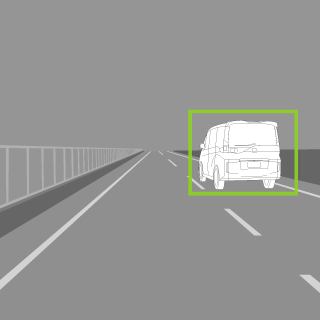
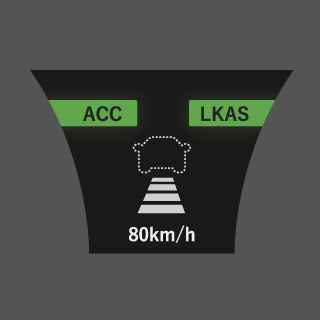
Instrument panel display
STEP2
The system automatically assists with accelerating the vehicle to, and maintaining, the preset cruising speed.
STEP1
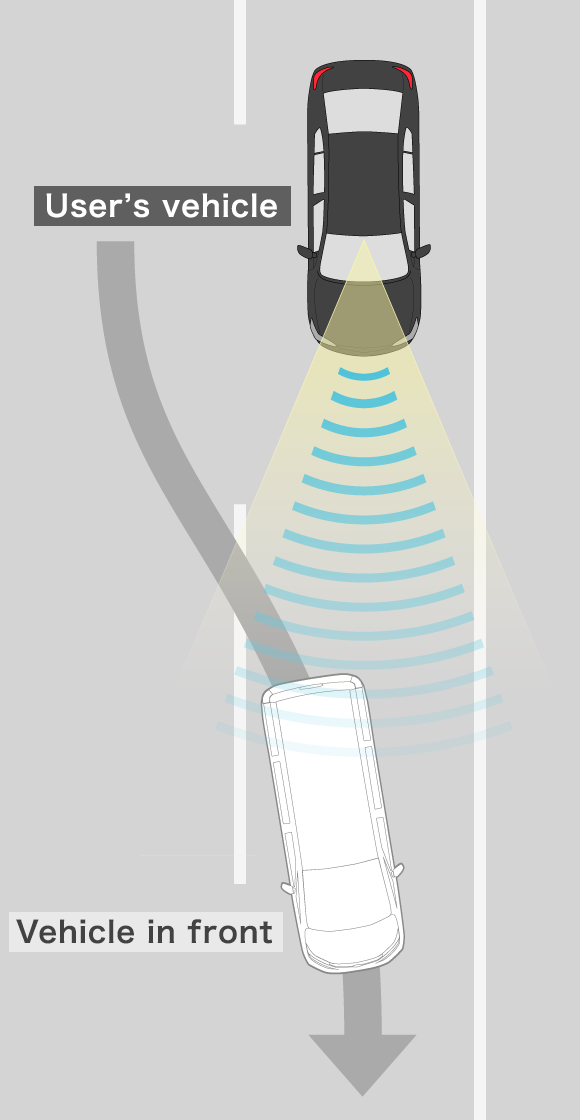
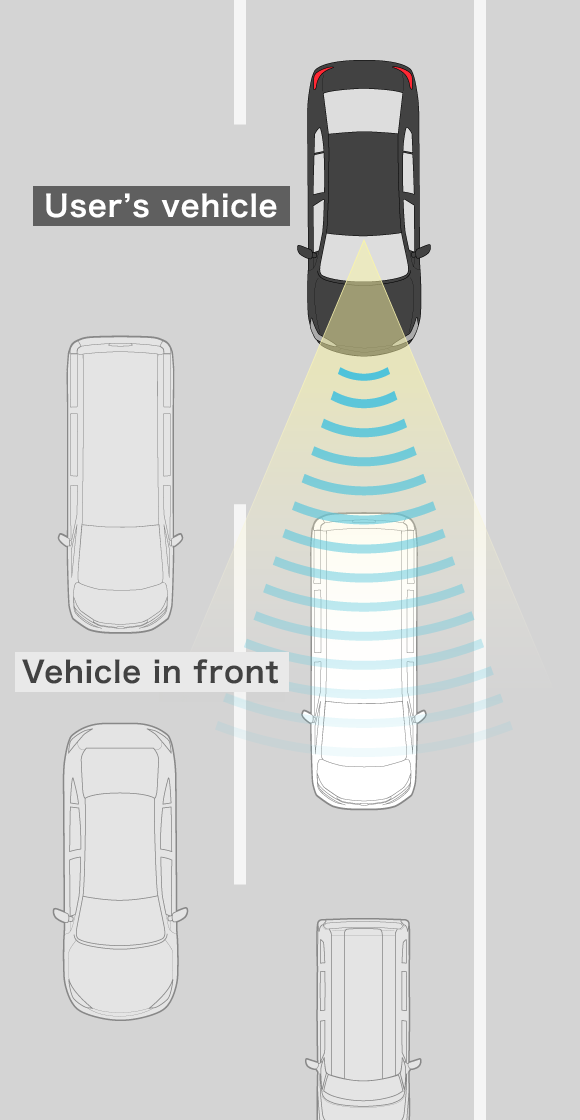
The camera and millimeter-wave radar detect a new vehicle in front and measure the distance and speed difference between the vehicles.
Detection of new vehicle in front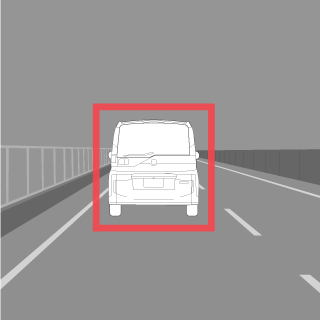
Instrument panel display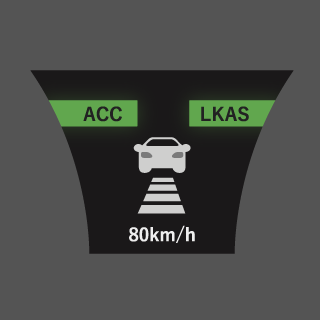
STEP2
The system assists with maintaining a following distance behind the vehicle now in front.
STEP1
When the camera and millimeter-wave radar detect the vehicle in front stopping, the system assists with stopping the user’s vehicle.
Detection of vehicle in front 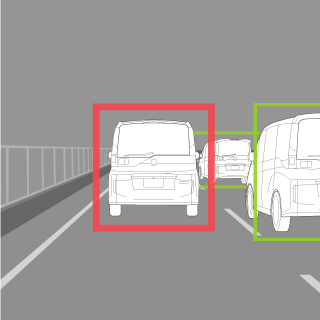
Instrument panel display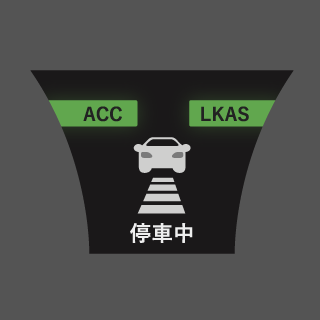
STEP2
When the vehicle in front starts moving again, follow assistance resumes when the driver presses the RES/+ or SET/- switch or the accelerator.
 Operate a switch or apply the accelerator pedal
- Normal driving situation
- When the vehicle in front leaves the lane
- When a vehicle cuts in front
- When using ACC with Low Speed Follow
How it helps
Assistance with following another vehicle
When following behind another vehicle, a camera and millimeter-wave radar detect the distance and speed difference between the vehicles. The system automatically controls the speed accordingly, helping to maintain a following distance. In some cases, if the vehicle in front brakes or another vehicle cuts in front, the system will control the speed to maintain the target following distance.
What does the camera see?
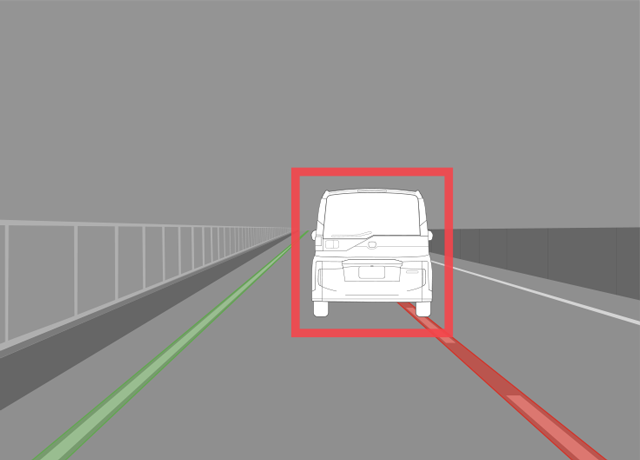
A camera makes it possible to detect lane markings, increasing the accuracy of detected positions of vehicles forward of the user’s vehicle. This allows quicker capturing of, and switching to, the current vehicle to be followed.
[Video] Functions image
The individual functions of the driver-assistive system have limited capabilities (e.g. recognition capability and control capability). Please do not overestimate the capabilities of any function and drive safely while paying constant attention to the vehicle’s surroundings. A system may not work or perform adequately depending on road conditions, weather conditions and vehicle conditions.
Function is not installed in some areas.
Depending on the model and timing of the market launch of the model, descriptions provided on this page and the actual functions available on customers’ vehicles may be different. For the functions available for each vehicle, please check the owners’ manual of the respective vehicle.